
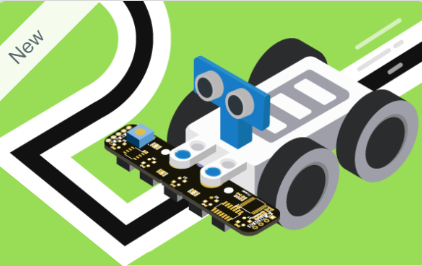













This block turns the robot left or right at a junction and moves it towards the selected line.
The block provides two dropdown menus.
| Parameter | Options | Description |
| Direction | left / right | Selects the turning direction. |
| Line | next / 2nd / 3rd | Selects which line the robot should turn towards. |
How It Works
The robot performs the turning operation in three stages:
- Move Forward: The robot moves slightly forward to cross the centre of the junction.
- Pivot: The robot rotates in the selected direction while monitoring the outer IR sensor to identify the new line.
- Align: The robot adjusts its position until the centre sensor detects the new line.
The selected line option allows the robot to navigate towards the next, second, or third line in the chosen direction.
Example: Select right and next to make the robot turn towards the next line on its right.
Python Function – Quarky:
lf5ir.turnrobot5ir(“right”, 1)
Python Function – Quarky Intellio:
lf5ir.turnrobotusingir(“right”, 1)
Note: The Python method name differs between Quarky and Quarky Intellio, although the block provides the same junction-turning functionality.