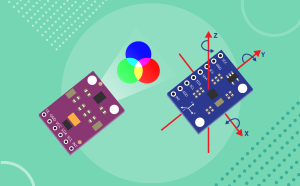

The Quarky Advance Sensors Extension helps users explore real-world data using different sensors connected to Quarky. With this extension, users can read sensor values, detect environmental changes, display information on screens, and build interactive projects.
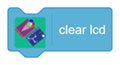
This extension is useful for creating projects related to health monitoring, color detection, motion sensing, water flow measurement, pH value reading, and display-based outputs. Users can connect sensors such as the HW827 Pulse Sensor, APDS9960 Color Sensor, MPU6050 Motion Sensor, TCS3472 RGB Sensor, Saier Water Flow Sensor, pH Sensor, OLED Display, LCD 16×2, and ADXL345 Accelerometer.
By using this extension, students learn how sensors collect data from the physical world and how PictoBlox can process and display that data through simple block coding.
Key Features:
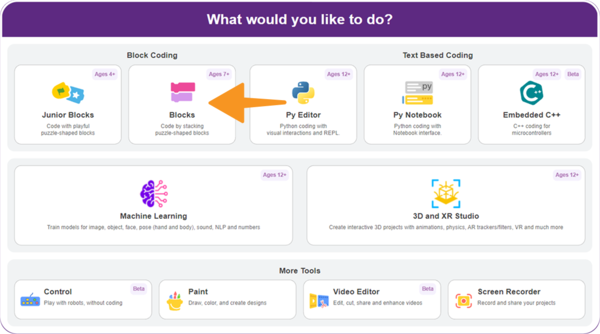
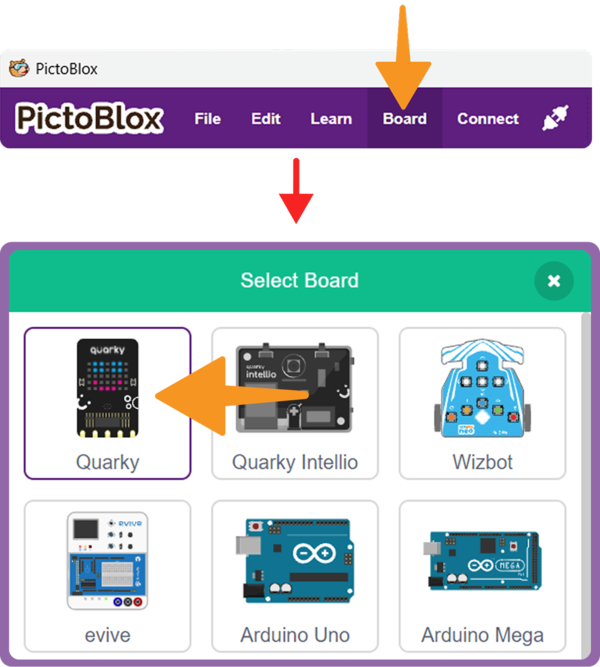
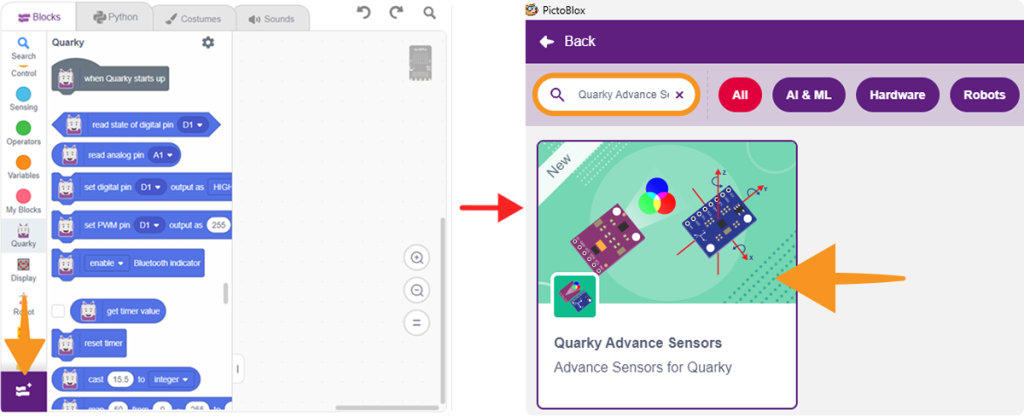
In this section, you will add the Quarky Advance Sensors Extension to your PictoBlox project. Once added, the sensor blocks will appear in the Blocks Palette and can be used to create sensor-based projects.