
Quarky Advance Sensors Extension

Quarky Advance Sensors Extension
Extension Description
Quarky Advance Sensors extension allows users to easily work with Pulse Sensor, OLED Display, LCD, Color Sensor, Water Flow Sensor, pH Sensor, MPU6050, and ADXL345.

Introduction

The Quarky Advance Sensors Extension helps users explore real-world data using different sensors connected to Quarky. With this extension, users can read sensor values, detect environmental changes, display information on screens, and build interactive projects.

This extension is useful for creating projects related to health monitoring, color detection, motion sensing, water flow measurement, pH value reading, and display-based outputs. Users can connect sensors such as the HW827 Pulse Sensor, APDS9960 Color Sensor, MPU6050 Motion Sensor, TCS3472 RGB Sensor, Saier Water Flow Sensor, pH Sensor, OLED Display, LCD 16×2, and ADXL345 Accelerometer.

By using this extension, students learn how sensors collect data from the physical world and how PictoBlox can process and display that data through simple block coding.

Key Features:

  • Real-time heart rate monitoring
  • High-quality OLED and LCD text display
  • Color detection and proximity sensing
  • Motion, orientation, and acceleration tracking
  • pH and water flow measurement

Accessing the Quarky Advance Sensors Extension

In this section, you will add the Quarky Advance Sensors Extension to your PictoBlox project. Once added, the sensor blocks will appear in the Blocks Palette and can be used to create sensor-based projects.
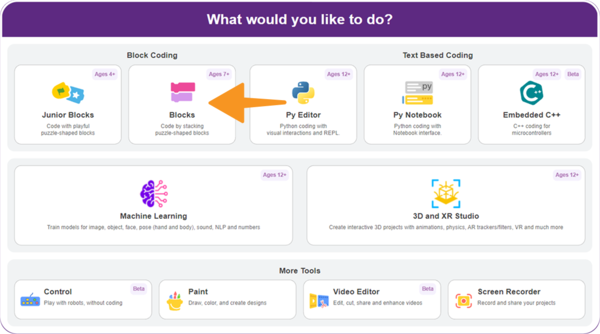
  1. Open PictoBlox and select the Block Coding environment.
    Select the Block Coding environment
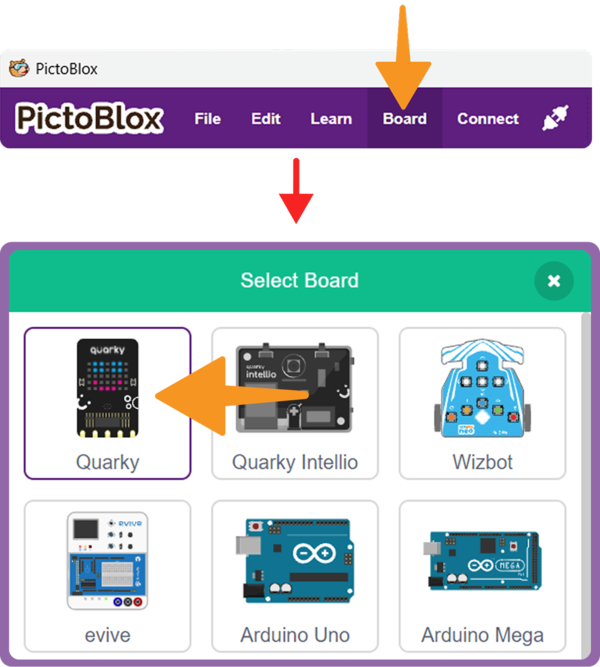
  2. Click on the Board button from the toolbar and select Quarky.Select the Quarky Board
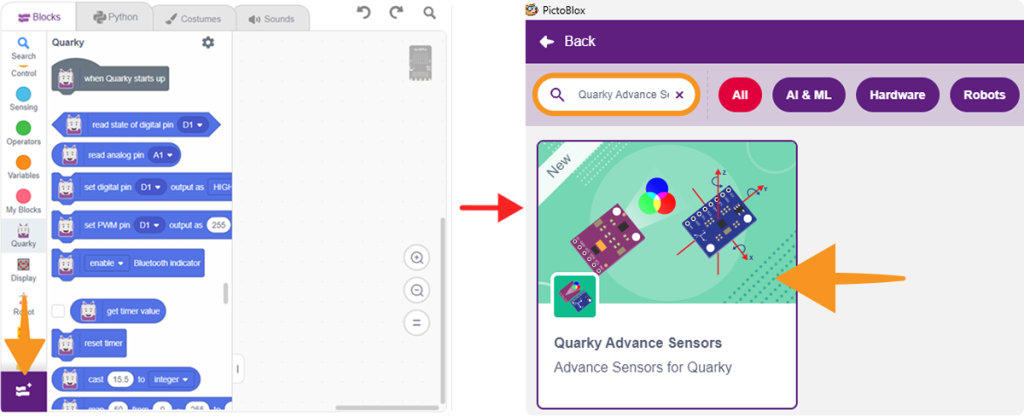
  3. Click on Add Extension from the Blocks Palette and in the search bar, type Quarky Advance Sensors.
  4. Select Quarky Advance Sensors from the extension list.
    Select Quarky Advance Sensors from the extension list
  5. The Quarky Advance Sensors blocks will now appear in the Blocks Palette.
  6. For detailed instructions on connecting your Quarky board via Serial Port (USB), please refer to the official guide: Quarky Serial Port Connection.
Read More

PictoBlox Blocks

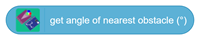
Performs a 360-degree scan and returns the angle, in degrees, at which the nearest obstacle is detected. Use this block with Get Nearest Obstacle Distance to determine both the distance and direction of the closest obstacle. Returns -1 if no valid scan data is received.
Is Finger Present on Pulse Sensor?
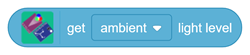
This block returns the selected light value from the sensor. It can be used to read ambient, red, green, or blue light levels.
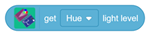
This block returns the selected HSV value, such as hue, saturation, or brightness, from the detected color.
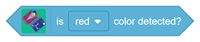
This block checks whether the selected color is detected by the sensor and returns a true or false value.
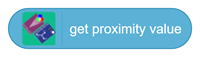
This block returns the proximity value detected by the sensor. It can be used to check how close an object is to the sensor.
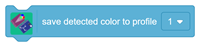
This block saves the currently detected color as a color profile. The saved profile can be used later for color matching.
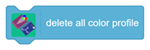
This block deletes all saved color profiles from the sensor memory.
This block checks whether a saved color profile is detected or not.
This block initializes the MPU6050 motion sensor using the selected SCL and SDA pins.
This block returns the acceleration value along the selected X, Y, or Z axis.
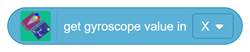
This block returns the gyroscope value along the selected X, Y, or Z axis.
This block returns the tilt or orientation angle of the selected axis.
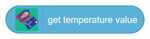
This block returns the temperature value measured by the MPU6050 sensor.
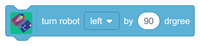
This block turns the robot left or right by the selected angle using gyroscope feedback. The MPU6050 sensor should be securely mounted on the robot to ensure accurate turning.
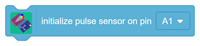
This block initializes the Pulse Sensor on the selected analog pin.
This block initializes the APDS9960 Color Sensor using the selected SCL and SDA pins.
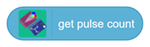
This block returns the pulse count when a finger is placed on the Pulse Sensor.
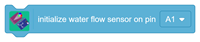
This block initializes the Water Flow Sensor on the selected pin.
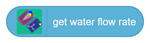
This block returns the current water flow rate.
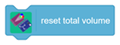
This block resets the total water volume value to zero. It is useful when starting a new reading.
This block initializes the TCS3472 RGB Sensor using the selected SCL pin, SDA pin, and I2C address.
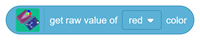
This block returns the raw value of the selected color channel, such as red, green, or blue.
This block checks whether the selected color is detected based on the given threshold value.
This block detects the color based on the selected threshold value.
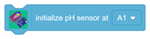
This block initializes the pH Sensor on the selected analog pin.
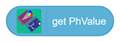
This block returns the pH value detected by the sensor.
This block initializes the OLED Display using the selected SCL and SDA pins.
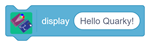
This block displays the entered text or value on the OLED Display.
All articles loaded
No more articles to load
Table of Contents