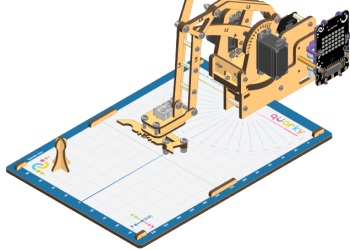
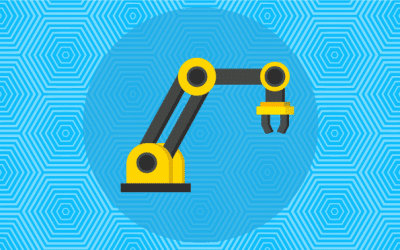
Learn how to assemble the Quarky Robotic Arm with this step-by-step guide. Follow the steps to make the Quarky Robotic Arm look like the image shown in this guide, and use it to explore more complicated programs and activities.
Learn how to assemble the Quarky Robotic Arm with this step-by-step guide. Follow the steps to make the Quarky Robotic Arm look like the image shown in this guide, and use it to explore more complicated programs and activities.
“Learn to control a Quarky robotic arm remotely using Bluetooth and PictoBlox. Perfect for tasks like picking and tool manipulation, this project boosts productivity and safety in hazardous environments. Step-by-step coding guides included for precise X, Y, Z-axis, and gripper control.”
“Learn to control a Quarky robotic arm remotely using Bluetooth and PictoBlox. Perfect for tasks like picking and tool manipulation, this project boosts productivity and safety in hazardous environments. Step-by-step coding guides included for precise X, Y, Z-axis, and gripper control.”
This activity focuses on programming a robotic arm using Python in PictoBlox, showcasing Python’s power in AI and ML. You’ll learn to initialize the arm, define movement functions for X, Y, and Z axes, control the gripper, and implement real-time control using a loop. This hands-on project sets the stage for embedding AI and ML into the robotic arm in future activities. Let’s get started!
This activity focuses on programming a robotic arm using Python in PictoBlox, showcasing Python’s power in AI and ML. You’ll learn to initialize the arm, define movement functions for X, Y, and Z axes, control the gripper, and implement real-time control using a loop. This hands-on project sets the stage for embedding AI and ML into the robotic arm in future activities. Let’s get started!
Learn how to make a robotic arm autonomous, moving beyond manual control to execute repetitive tasks efficiently. By following the coding steps in PictoBlox, you can program precise movements and actions, making it suitable for applications in industries like manufacturing and medical fields. With careful calibration and testing, you can successfully transform your robotic arm into an autonomous system, enhancing its functionality and versatility.
Learn how to make a robotic arm autonomous, moving beyond manual control to execute repetitive tasks efficiently. By following the coding steps in PictoBlox, you can program precise movements and actions, making it suitable for applications in industries like manufacturing and medical fields. With careful calibration and testing, you can successfully transform your robotic arm into an autonomous system, enhancing its functionality and versatility.
Learn how to program a robotic arm to operate autonomously using Python in Pictoblox. This activity guides you through initializing the robotic arm, writing movement and gripper actions, and using a continuous loop for independent operation. You’ll also explore the transition from stage mode to upload mode, allowing the robotic arm to function without an external system or Pictoblox connection. Ideal for robotics enthusiasts and learners, this guide will help you take full control of robotic arms in a simple, efficient way.
Learn how to program a robotic arm to operate autonomously using Python in Pictoblox. This activity guides you through initializing the robotic arm, writing movement and gripper actions, and using a continuous loop for independent operation. You’ll also explore the transition from stage mode to upload mode, allowing the robotic arm to function without an external system or Pictoblox connection. Ideal for robotics enthusiasts and learners, this guide will help you take full control of robotic arms in a simple, efficient way.
this activity introduces the integration of machine learning into robotics by developing a hand gesture recognition model in PictoBlox. Through systematic steps, you learn to train, test, and export the model to control a robotic arm using gestures. By combining gesture analysis with robotic arm settings, this project highlights the potential of machine learning in enabling intuitive and precise control in robotics, paving the way for innovative applications.
this activity introduces the integration of machine learning into robotics by developing a hand gesture recognition model in PictoBlox. Through systematic steps, you learn to train, test, and export the model to control a robotic arm using gestures. By combining gesture analysis with robotic arm settings, this project highlights the potential of machine learning in enabling intuitive and precise control in robotics, paving the way for innovative applications.
Quarky Robotic Arm Project - Block Coding
Refer to the tutorials to learn how to use PictoBlox Block Coding Environment to code Quarky Robotic Arm for different applications.
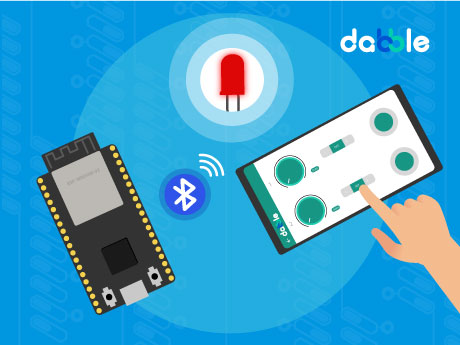
Learn how to create an ESP32 LED Wireless Control system using PictoBlox block coding for grade 8. In this project, you will learn how to connect your ESP32 board through Bluetooth and control an LED wirelessly in real time. The program sets up a custom Bluetooth device name and continuously enables LED control, allowing users to operate the LED from a mobile device or compatible application. This project helps you understand the basics of wireless communication, Bluetooth connectivity, and smart device control using ESP32.
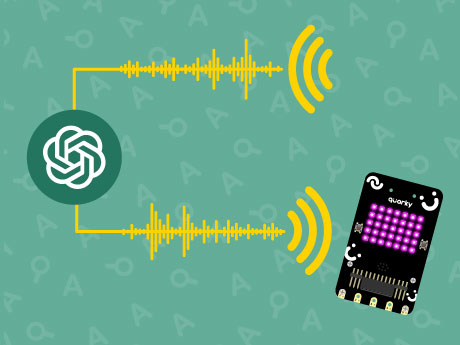
Learn how to create an interactive AI-powered voice assistant using Quarky and PictoBlox Py Editor. In this project, the user’s voice command is sent to ChatGPT, which generates intelligent responses and speaks them aloud using text-to-speech technology. The robot also displays expressive animations while processing and responding, making the interaction more engaging and human-like.
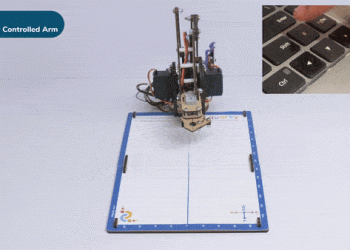
Learn how to create a real-time manual control system for the Intelio Rover using PictoBlox! In this tutorial, you will control the rover using keyboard directional keys and understand important concepts of Physical Computing and IoT. This project demonstrates how digital commands can interact with physical hardware for teleoperation and remote monitoring.
Learn how to create an ESP32 Pin State Monitor system using PictoBlox block coding. In this project, you will learn how to monitor and track the state of ESP32 GPIO pins in real time. The program continuously reads the pin values and displays whether each pin is in a HIGH or LOW state, helping users observe input and output changes instantly.
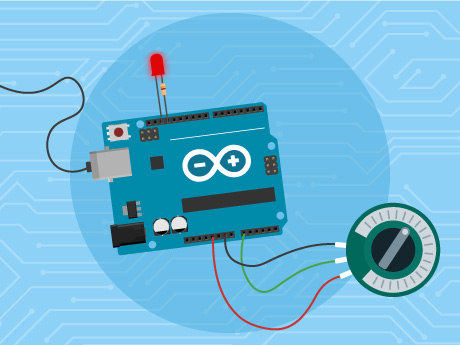
Learn how to create an ESP32 LED Brightness Control system using PictoBlox block coding. In this project, you will learn how to control the brightness of an LED using PWM (Pulse Width Modulation) with the ESP32 board. The program continuously reads analog values from a potentiometer connected to the ESP32 and adjusts the LED brightness in real time. By rotating the potentiometer, users can increase or decrease the intensity of the LED smoothly.
Learn event-based programming by making the Tobi character jump using the Evive controller and PictoBlox! A fun, interactive project teaching motion logic and character control.
Learn how to control Quarky like a football player using PictoBlox Junior Blocks. This beginner-friendly robotics tutorial teaches students how to move Quarky forward, backward, left, and right using arrow keys and stop the robot when no key is pressed.
Learn how to create an AI-powered Speech Recognition Assistant in PictoBlox using two different approaches. In the first method, the Speech Recognition Extension is used to detect spoken commands, while in the second method, the Artificial Intelligence Extension performs speech recognition.
Create an exciting Hare and Penguin Race animation in PictoBlox Junior Blocks where both sprites race toward the finish line at different speeds. Learn how to use messages, loops, movement blocks, and sprite animations to make characters interact and move in a coordinated way.
Learn how to program Wizbot Maxx to draw a heart shape using PictoBlox Junior Blocks. This beginner-friendly robotics activity teaches movement control, turning angles, wait blocks, timing, and sequential programming through a creative drawing project.
AI Emotion Detection is a computer vision project that uses Artificial Intelligence (AI) to identify and recognize human emotions from facial expressions captured through a camera. The system analyzes facial features and predicts emotions such as Happy, Sad, Angry, Surprised, Neutral, and Fearful.
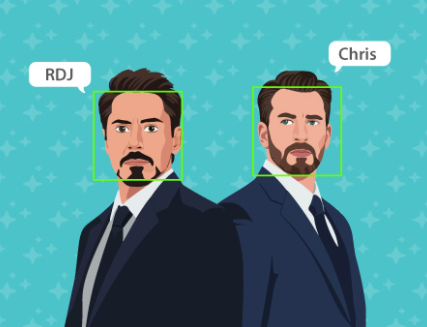
Face Detection is a Computer Vision technology that enables a computer to locate and identify human faces in an image or video. It analyzes visual data to detect facial features such as the eyes, nose, and mouth. In this project, the Face Detection Extension is used to detect multiple faces, recognize trained individuals, and determine the position and size of each face. The detected information is then used to display the name of the identified person above the corresponding face.
Learn how to create an AI Object Detection System in PictoBlox using the Object Detection extension. In this project, the webcam continuously analyses the surroundings, detects objects in real time, and creates clones of a sprite to highlight each detected object.
Extract handwritten text directly from the stage using the Artificial Intelligence extension. This project creates a virtual canvas, allowing users to draw text using their mouse and the Pen extension. Once written, the system uses AI to read the digital handwriting and convert it into editable digital text.
Learn how to create an AI-powered face counting project with Tobi using PictoBlox Junior Blocks and the Face Detection extension. This beginner-friendly Grade 4 tutorial teaches students how to detect and count human faces using the camera.
Learn how to build a Machine Learning model which can identify the type of Animal from the camera feed or images using PictoBlox. This project demonstrates the fundamental concepts of data collection, model training, testing, and prediction in an interactive and beginner-friendly environment.
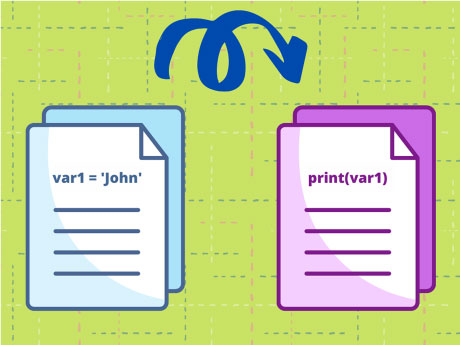
Importing Python into PictoBlox is an innovative project developed using PictoBlox that demonstrates how external Python files can be imported and executed within a PictoBlox environment. The project focuses on modular programming, where functions and reusable code are stored in separate Python files and integrated into the main program whenever required.
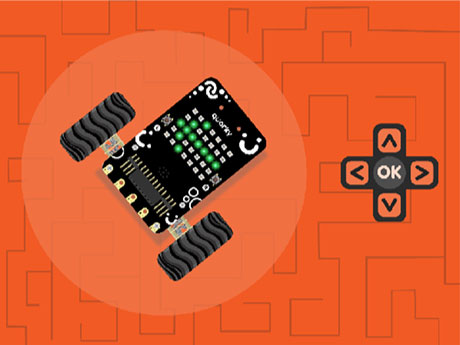
Learn how to create an Arrow Key Controlled Quarky Robot using PictoBlox and Python programming. In this project, the Quarky robot moves in different directions based on the arrow keys pressed on the keyboard.
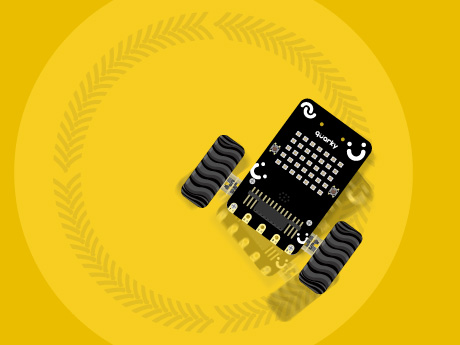
This project helps the grade 7 students to understand how differential drive robots change direction by controlling the speed of individual motors. Through this activity, learners will explore motor speed control, circular motion, robot navigation, and the fundamentals of Python programming with Quarky.
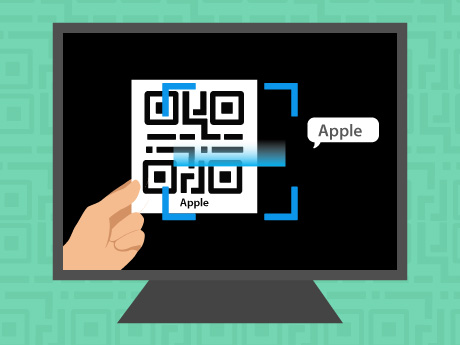
This Grade 5 project enables students to create a QR Code Reader using Python in PictoBlox. Learners explore the fundamentals of Python while understanding how QR codes are detected and decoded in real time.
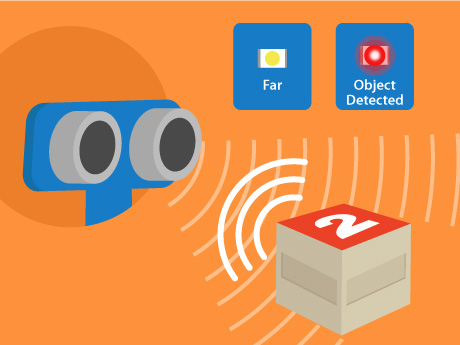
This example is designed for grade 7 students to learn how to use an Ultrasonic Sensor with Arduino and PictoBlox block coding! In this activity, students will measure the distance between the sensor and nearby objects. When an object comes within a specified range, the built-in LED on the Arduino board turns ON automatically. This project introduces distance sensing and decision-making using sensors.
Learn how to control the brightness of an LED using a potentiometer and Arduino Uno in PictoBlox. In this project, the potentiometer acts as a variable resistor, allowing you to adjust the LED brightness smoothly by rotating its knob. The analog value from the potentiometer is read by Arduino and converted into a PWM signal to control the LED intensity.
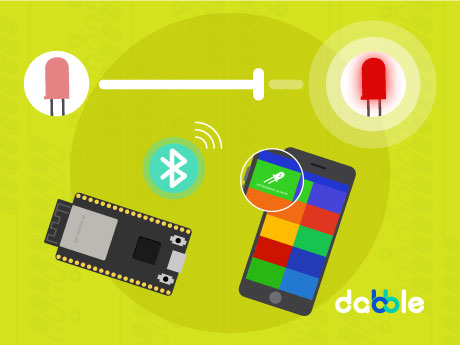
Learn how to establish a wireless Bluetooth connection between the ESP32 and your phone, how the Dabble hardware extension processes smartphone inputs, and how to program them with ease in PictoBlox – our Scratch blocks-based graphical programming platform with advanced hardware interaction abilities.
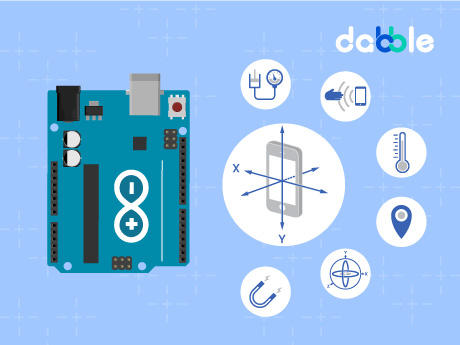
Learn how to use the Dabbble Phone Sensor Module with PictoBlox to take sensor readings from your smartphone’s sensors. In this tutorial, you will create an interactive project where tilting your phone also generates output in Dabble Serial Monitor connected to Arduino, demonstrating real-time communication between your smartphone, PictoBlox, and Arduino.
Learn how to create a smooth LED fading effect using Arduino Uno and PictoBlox! In this project, an LED connected to a PWM pin gradually increases and decreases in brightness, creating a breathing or glowing effect. This activity introduces students to PWM (Pulse Width Modulation), variables, loops, and hardware control using PictoBlox.
Learn how to use RGB LED strips to create colorful lighting designs with easy-to-follow step-by-step instructions. We will explore the Lightning Extension which will generate dynamic color gradients, animate custom light patterns and build exciting DIY colorful lightning designs using Evive.
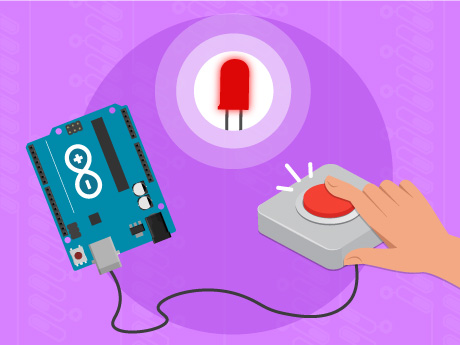
Learn how to control an LED using a push button switch with Arduino and PictoBlox block coding! In this activity, students will create a simple circuit where pressing a switch turns an LED ON and releasing the switch turns it OFF. This project introduces digital input and output concepts and helps learners understand how Arduino interacts with external components.
Learn how to use the Arduino Input Module in PictoBlox to read sensor and button inputs from an Arduino Uno board. In this tutorial, you will create an interactive project where a sprite responds to a push button connected to Arduino, demonstrating real-time communication between hardware and software.
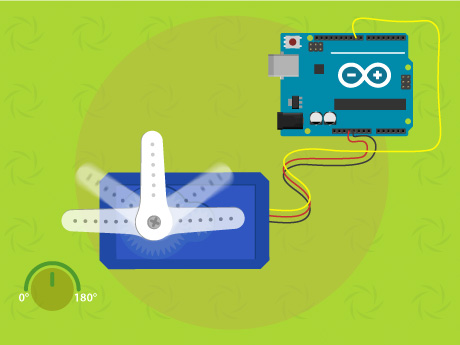
Learn how to connect an Arduino Uno R3 Board with a Servo to perform autonomous sweep actions in real time. You’ll display live status updates of the Servo on PictoBlox.
Learn how to create a simple Arduino project in PictoBlox where pressing a push button toggles an LED ON and OFF. Every time the button is pressed, the LED changes its current state—if it’s ON, it turns OFF, and if it’s OFF, it turns ON.
All articles loaded
No more articles to load
PictoBlox Extension Documentation
Refer to the documentation of PictoBlox Extension to understand how to use the blocks and functions for the Robotic Arm.