



Introduction
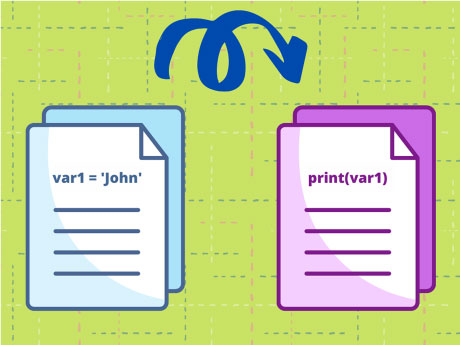
PictoBlox allows users to learn the Python Programming Language and develop projects based on Python Programming, with the help of a Python programming Environment. This project demonstrates how external Python files can be imported and used inside other Python files using the PictoBlox software to create modular and reusable programs.
Step-by-Step Python Coding Guide
Let’s create a script to import a Python file in PictoBlox
- Click on Stage.py & declare two variables as:
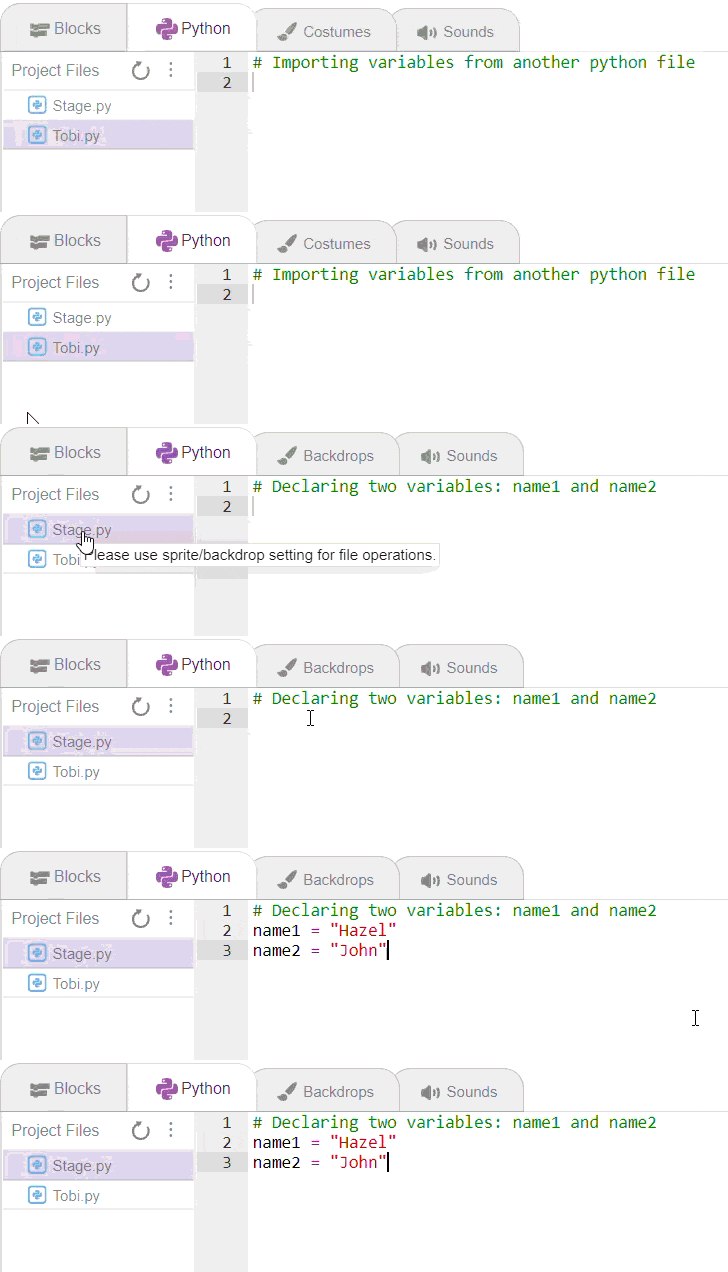
Name1 = "Hazel" Name2 = "John" - Click on Tobi.py and write down the code below
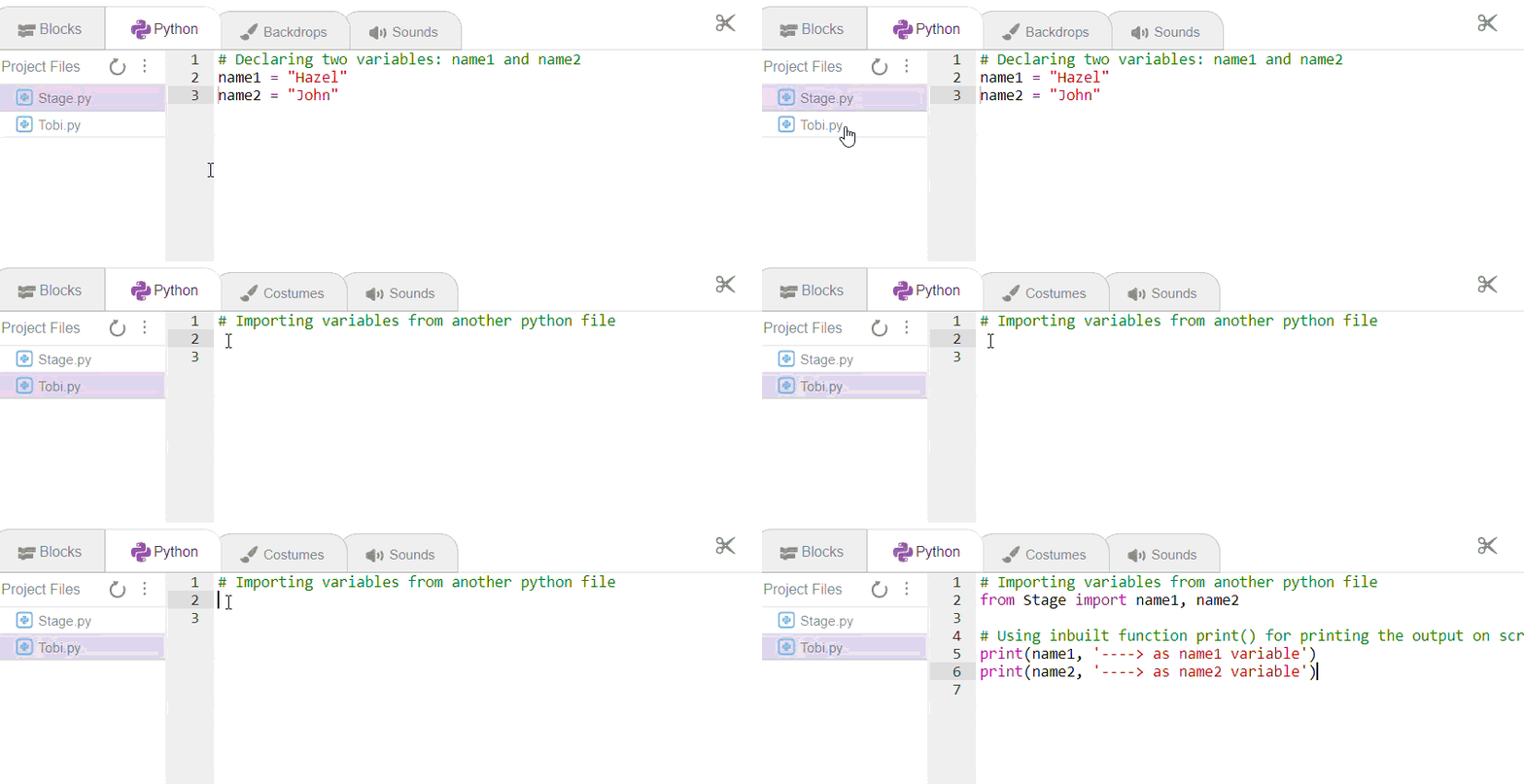
from Stage import name1, name2

print(name1, '----> as name1 variable')
print(name2, '----> as name2 variable')
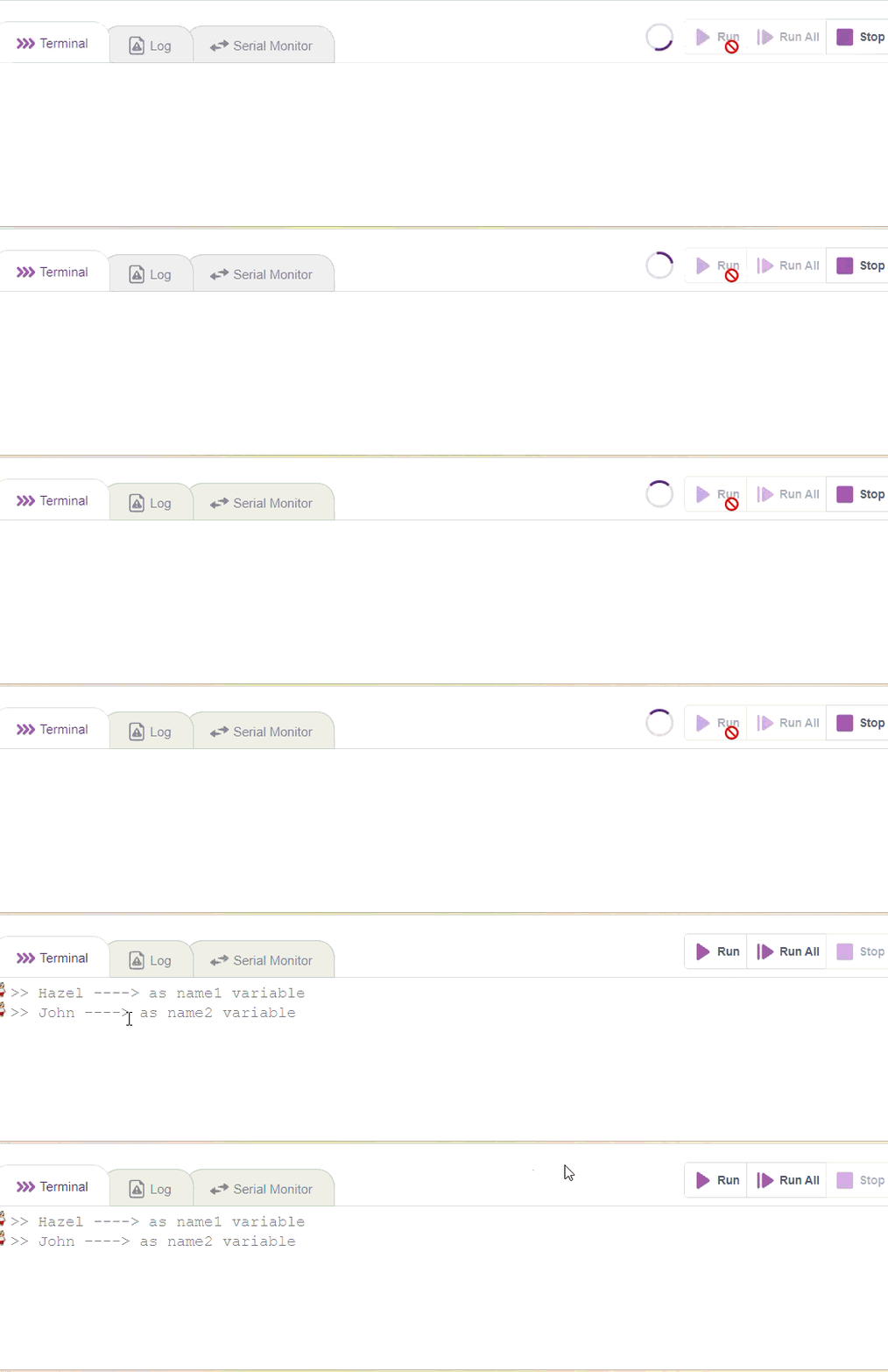
Output
- While being on Tobi.py, go to the Terminal area.
- Click on Run and wait for a few seconds.
Conclusion
This project successfully demonstrates how external Python files can be imported and executed in PictoBlox. By using modular programming concepts, the project helps in organising code efficiently, improving readability, and promoting code reusability.