



Introduction
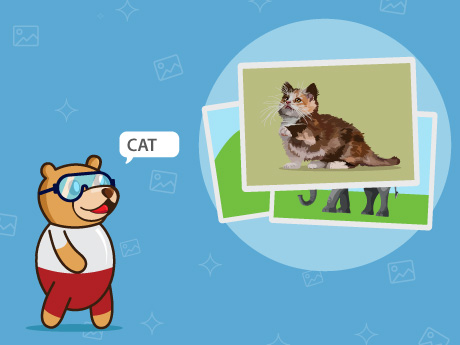
The Animal Classifier is an Artificial Intelligence (AI) and Machine Learning (ML) based project developed using PictoBlox and its Teachable Machine Extension. The main objective of this project is to enable a computer system to recognise and classify different animals from images. By training a machine learning model with multiple images of various animals, the system learns the unique visual features associated with each category. Once trained, the model can analyse new images and predict the animal they represent.
This project provides a practical introduction to image classification, one of the most common applications of machine learning. It helps learners understand how computers can be trained to identify patterns in visual data and make intelligent decisions based on prior learning.
Setting Up the Stage / Sprite
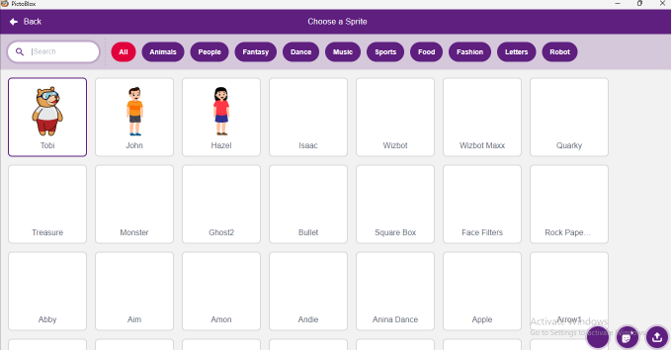
- Open Pictoblox and select the block coding platform
- Choose Tobi as a sprite for the stage.
Adding the Backdrops and extension
For this animation, we need three sprites: our Tobi, Cake, and balloon, and make something in celebration mode.
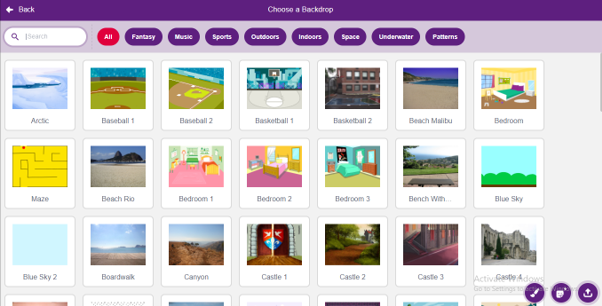
- Click on the ‘Choose backdrop‘ button
- Add the animal images as backdrops for identification on stage.
Note: You can choose the backdrop available in the PictoBlox, or you can upload from the storage.
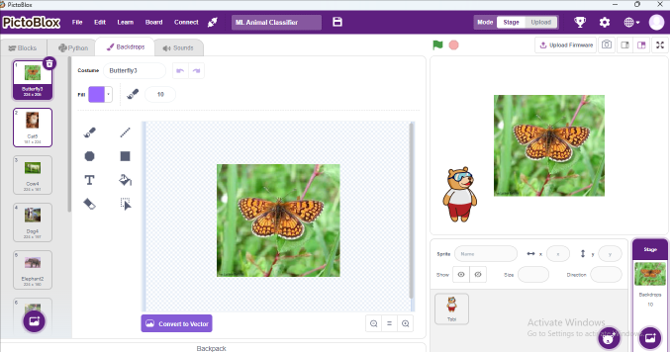
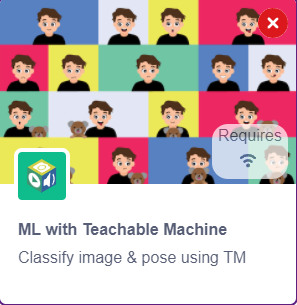
- Adding ML with the Teachable Machine extension.
Step-by-Step Block Coding Guide
- Go to the Events palette and drag the ‘when green flag clicked’ block into the scripting area.
- From the Motion palette, add the ‘go to x: y:’ block and set the position to x: -180, y: -100.
→ This places the sprite in the lower-left corner of the stage. - From the Control palette, add the ‘Forever’ block.
- From the Looks palette, add the ‘say()’ for 2 sec.
- From the ML extension palette, add ‘Identify Class from (backdrop)’ inside the say text box.
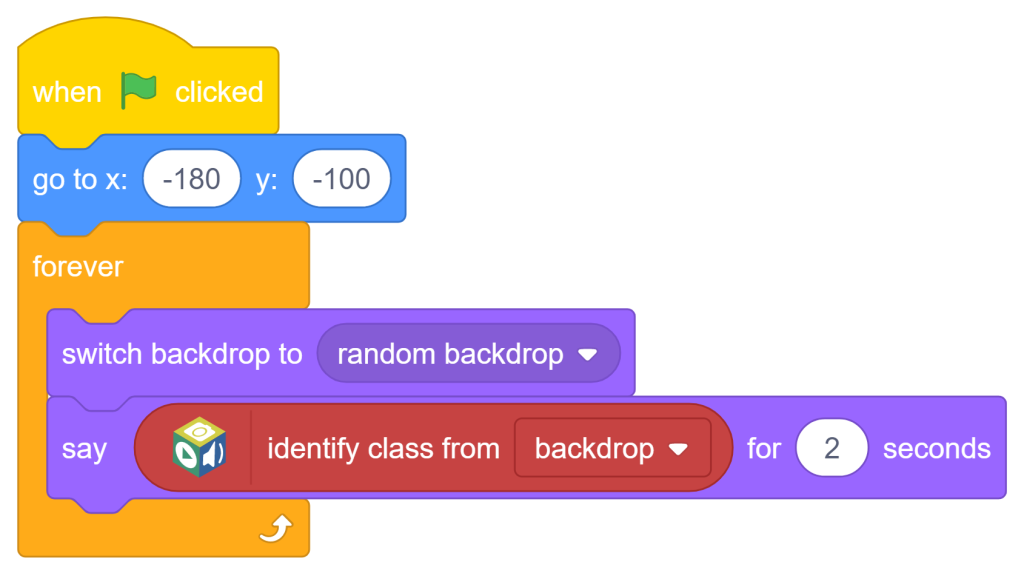
Now the full script is ready. When the user clicks on the green flag, the backdrop will change every 2 seconds, and the sprite “Tobi” will identify the animal from the Backdrop by using the ML Teachable Machine extension.
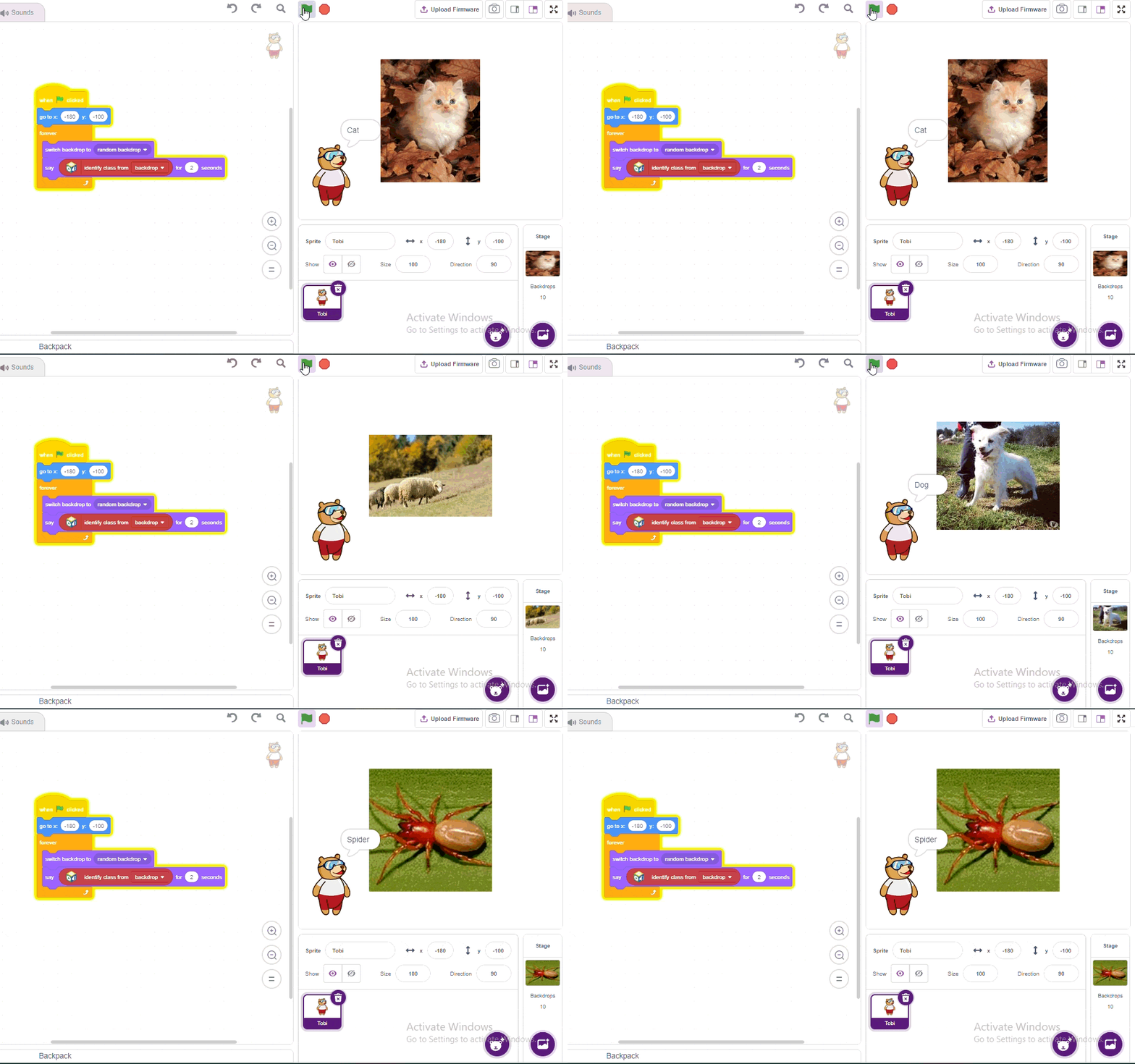
Output
 Conclusion
The Animal Classifier project demonstrates the application of artificial intelligence and machine learning in image recognition. Using the Machine Learning (ML) Teachable Machine extension in PictoBlox, the system can accurately identify different animals from images. The project helps learners understand the concepts of data training and classification simply. Overall, it is an effective and engaging introduction to machine learning and its real-world applications.