


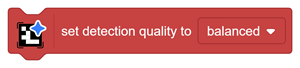
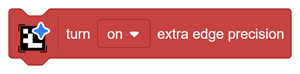
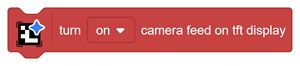

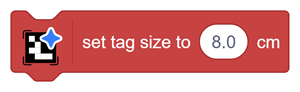
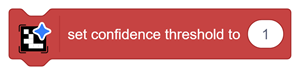
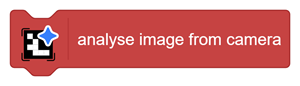




This block controls the balance between detection accuracy and processing speed.
| Mode | Behaviour | Suitable for |
| Best Accuracy | Processes more image detail for more reliable detection, but increases detection time | Difficult viewing conditions or applications where detection accuracy is more important than speed |
| Balanced | Maintains a practical balance between speed and accuracy | Most classroom and robotics projects |
| Fastest | Reduces processing load for faster detection | Fast-moving robots and clear, nearby tags |
Use Balanced as the default setting for most projects.
Use Fastest when:
- The tag is large and clearly visible.
- The robot needs an immediate response.
- Minor detection loss is acceptable.
Use Best Accuracy when:
- Reliable alignment is essential.
- The tag is viewed from an angle.
- Lighting or contrast is less consistent.
- The robot is performing docking or precise navigation.