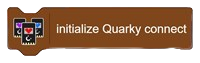
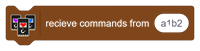
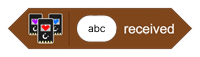
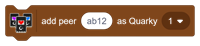
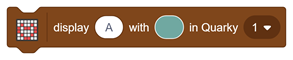
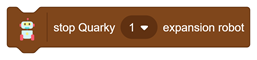
Displays the selected emotion on the specified Quarky using its assigned number. You can also broadcast the emotion to all connected Quarky devices by selecting the “All” option.

Table of Contents
Display Emotions
- PictoBlox Extension: Quarky Connect
- Type: Stack Block
- Mode: Stage Mode, Upload Mode
Description
Example
There are no examples documented for this article.
- Scratch Based Default Extensions
- Artificial Intelligence
- Innovative Extensions
- Machine Learning Environment
- Quarky
- Quarky Intellio I2C Communication
- Quarky Advance Sensors Extension
- Quarky Connect
- Display (Quarky)
- Quarky (Main)
- Robot (Quarky)
- Sensors (Quarky)
- Speaker (Quarky)
- Quarky Ultimate Robots
- Quarky Expansion Board
- Mars Rover
- Humanoid (Quarky)
- Quadruped (Quarky)
- IoT House (Quarky)
- Quarky Mecanum
- Quarky Robotic Arm
- Dabble
- Quarky Advance Line Following