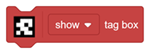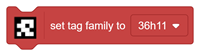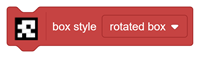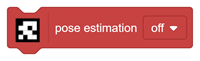

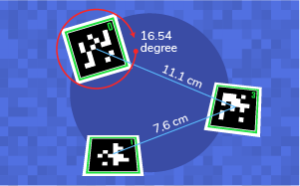

The AprilTags Extension (Beta) allows you to detect AprilTags using a camera and analyse the information associated with each detected tag.
AprilTags can be used as visual markers in projects where a computer needs to identify a specific location, object, or direction. Once a tag is detected, PictoBlox can provide information about its ID, position, size, rotation, confidence, and pose.
The extension can also display bounding boxes around detected tags, making it easier to understand and debug the detection process.
Important: This extension is specifically designed for Stage Mode projects in PictoBlox. It uses the camera feed or stage snapshots to detect and analyse AprilTags.
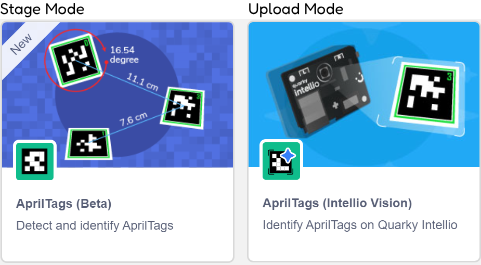
An AprilTag is a machine-readable visual marker made from a black square border and a unique internal pattern.
It is similar to a QR code, but instead of storing information such as a website address, an AprilTag acts as a visual landmark for cameras and robots.
When Intellio detects an AprilTag, it can determine:
This makes AprilTags useful for:
1. Download or update PictoBlox
Install the latest available version of PictoBlox before using the extension. 
2. Update Quarky Intellio Firmware
The AprilTag detection model is included in the newer Intellio firmware. Please upload the latest firmware before running an AprilTag programme.
Older firmware may not support the required AprilTag functionality. Click here to learn How to update the firmware on Quarky Intellio?
3. Prepare the AprilTags
Use printed tags from one of the supported families:
The selected family in the programme must match the family of the printed tag. A tag from one family will not be detected when another family is selected during initialisation.
4. Prepare the Environment
For reliable detection:
AprilTags may be rotated at different angles and can still be detected. However, mirrored or flipped tag images should not be used.
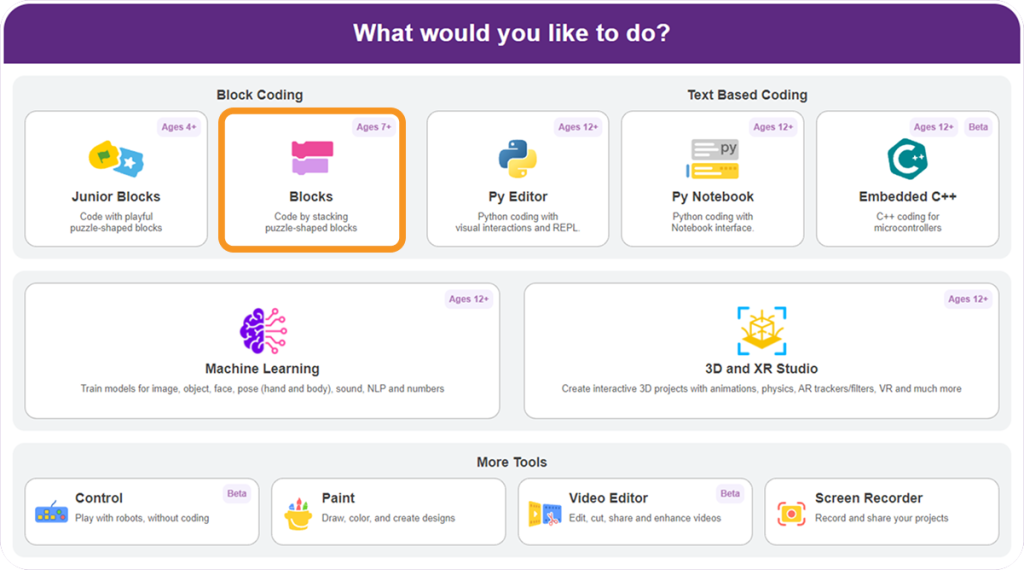
Step 1: Open PictoBlox and Select Block Coding.
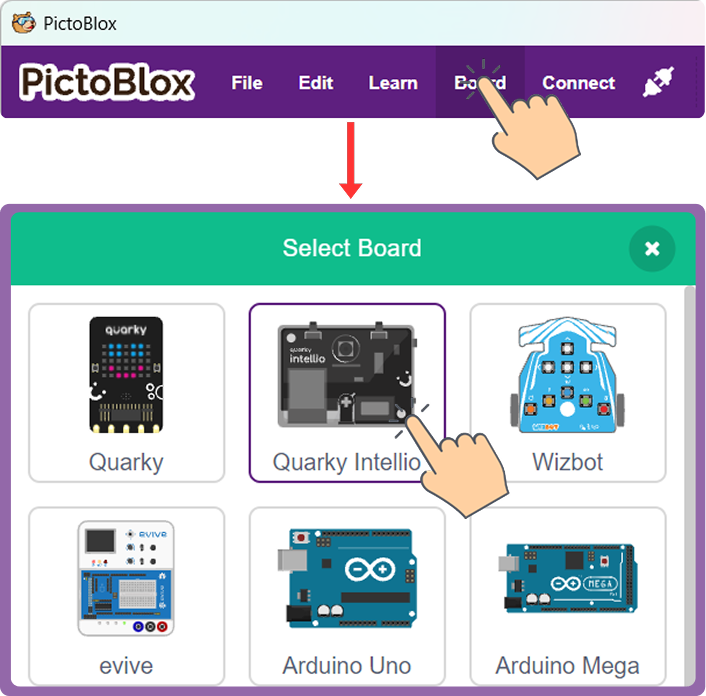
Step 2: Click Board and select Quarky Intellio.
Step 3: Click Add Extension from the Blocks Palette.
Step 4: Search for and select AprilTags.
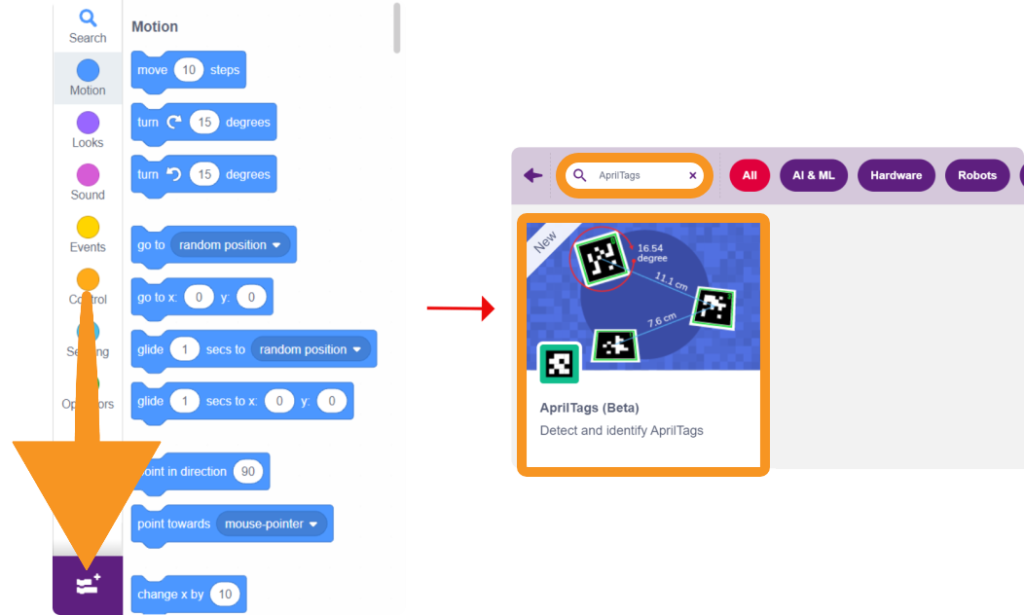
The Intellio-specific name and icon can identify the extension.
Step 5: The AprilTags blocks will appear in the AprilTags category of the Blocks Palette.
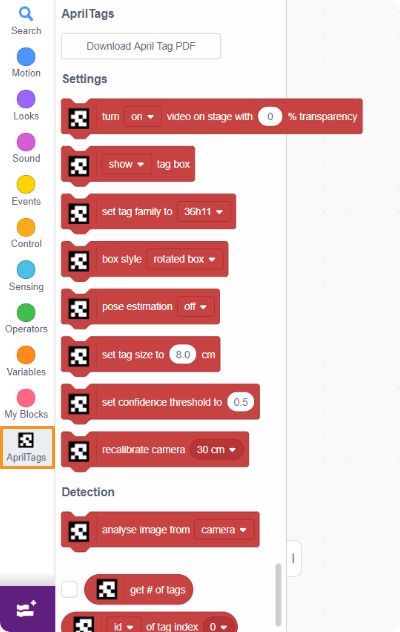
The extension includes an option to download printable AprilTag markers.
The provided PDF contains sample tags from the supported families, including tag IDs that can be used in the examples.
When printing:
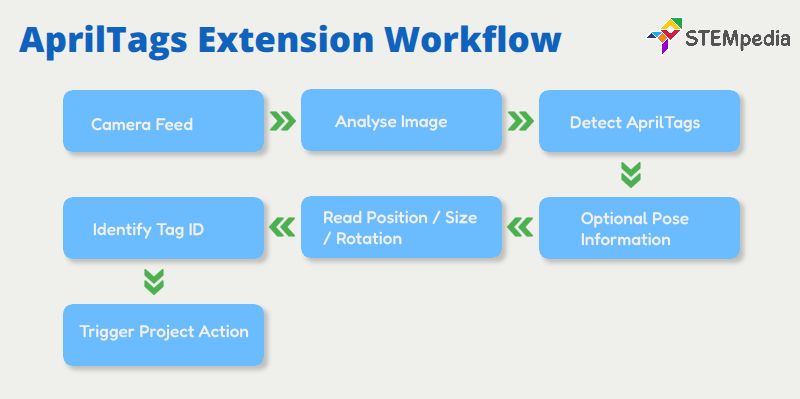
This structure makes the documentation more useful than simply listing the blocks: it explains what AprilTags are, how to configure detection, what each block does, what information is returned, and how that information can be used in a project.