
- Scratch Based Default Extensions
- Artificial Intelligence
- Innovative Extensions
- Machine Learning Environment
- Quarky
- Quarky Intellio I2C Communication
- Quarky Advance Sensors Extension
- Quarky Connect
- Display (Quarky)
- Quarky (Main)
- Robot (Quarky)
- Sensors (Quarky)
- Speaker (Quarky)
- Quarky Ultimate Robots
- Quarky Expansion Board
- Mars Rover
- Humanoid (Quarky)
- Quadruped (Quarky)
- IoT House (Quarky)
- Quarky Mecanum
- Quarky Robotic Arm
- Dabble
- Quarky Advance Line Following
Robot (Arduino Alvik)
Extension Description
Control Arduino Alvik’s movement, speed, direction, rotation, distance, and estimated position using PictoBlox blocks and Python functions.
-
Available in: Block Coding, Python Coding
-
Mode: Stage Mode, Upload Mode
-
WiFi Required: No
-
Compatible Hardware in Block Coding: Arduino Alvik
-
Compatible Hardware in Python: Arduino Alvik
-
Object Declaration in Python: alvik = ArduinoAlvik()
-
Extension Catergory: Arduino Alvik
Introduction
The Robot (Arduino Alvik) blocks allow users to control the robot’s movement and navigation through PictoBlox. These blocks support directional movement, speed control, distance-based navigation, angle-based rotation, and position tracking.
Using these blocks, you can:
- Move Arduino Alvik forward, backward, left, or right.
- Control robot movement using speed percentages or RPM.
- Move the robot for a specified duration.
- Travel a defined distance in centimetres.
- Rotate the robot by a specified angle.
- Stop the robot’s movement.
- Read and reset the estimated robot position.
These blocks are useful for developing robot navigation, movement sequences, obstacle courses, and autonomous robotics projects.
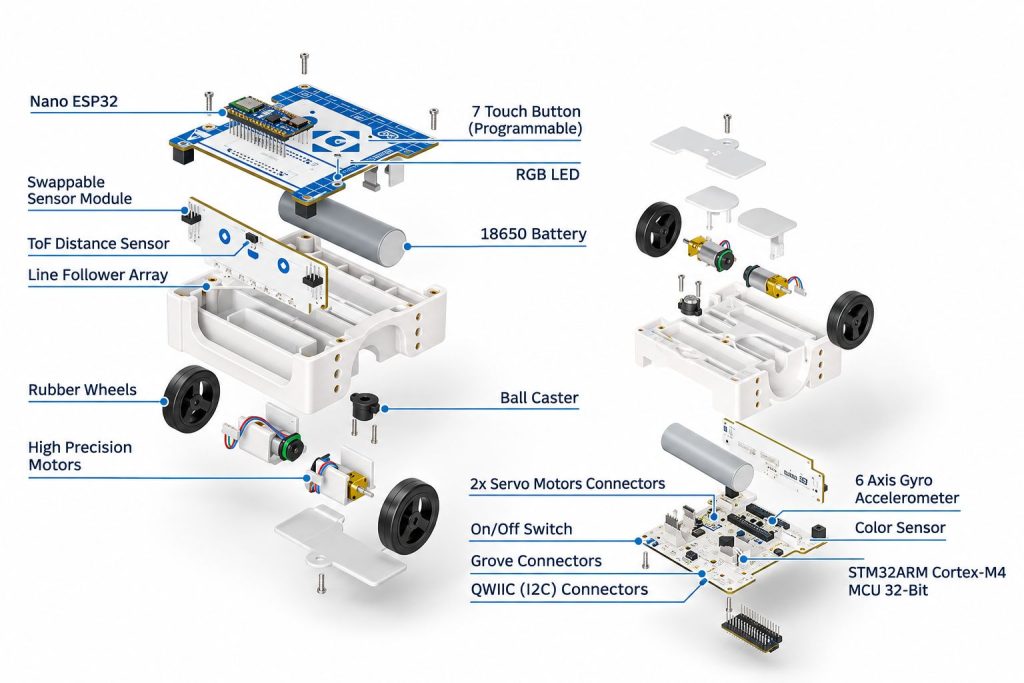
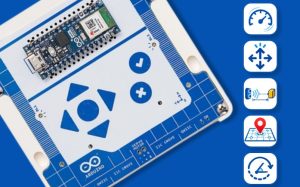
Connecting Arduino Alvik with PictoBlox
Connect Arduino Alvik to PictoBlox before programming its movement.
Follow the step-by-step instructions in the Arduino Alvik Connection Guide.
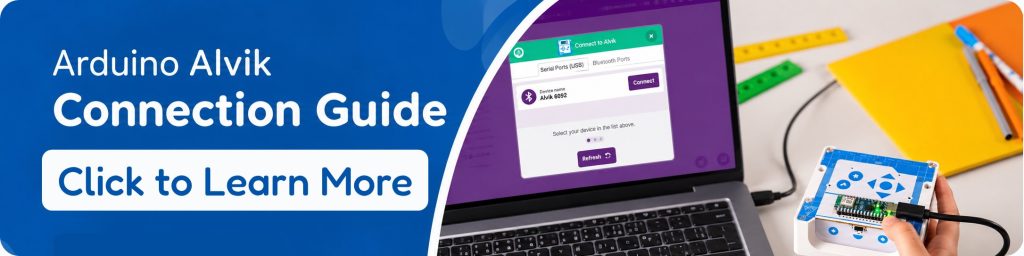
Read More
PictoBlox Blocks
All articles loaded
No more articles to load
Python Functions
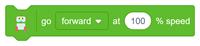
This function moves Arduino Alvik in the specified direction at the selected percentage speed.
Syntax: runrobot(1, 100)
This function moves Arduino Alvik in the selected direction at a specified speed for a defined duration in seconds.
Syntax: runrobottimed(1, 100, 1)
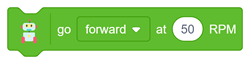
This function moves Arduino Alvik at the specified RPM for a defined duration.
Syntax: run_robot_rpm_timed(1, 50)
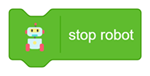
This function stops Arduino Alvik’s drive motors.
Syntax: stoprobot( )
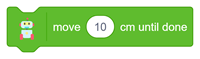
This function moves Arduino Alvik by the specified distance in centimetres.
Syntax: move_distance(10)
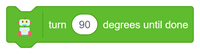
This function rotates Arduino Alvik by the specified angle in degrees.
Syntax: rotate_angle( 90)
This function returns the selected estimated robot pose measurement, such as X position, Y position, or heading.
Syntax: get_pose_value(1)
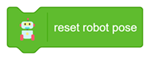
This function resets the robot’s estimated position and heading.
Syntax: reset_robot_pose( )
All articles loaded
No more articles to load
Table of Contents