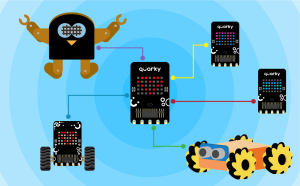

The Quarky Connect extension allows multiple Quarky devices to communicate wirelessly using ESP-NOW. With this extension, one Quarky can control others, send commands, or coordinate actions, all without needing a Wi-Fi router or internet connection.
This feature opens up endless possibilities for creative and interactive projects. Whether it’s controlling a swarm of robots or making them work in sync, Quarky Connect is perfect for classroom activities and fun challenges that involve multiple robots.
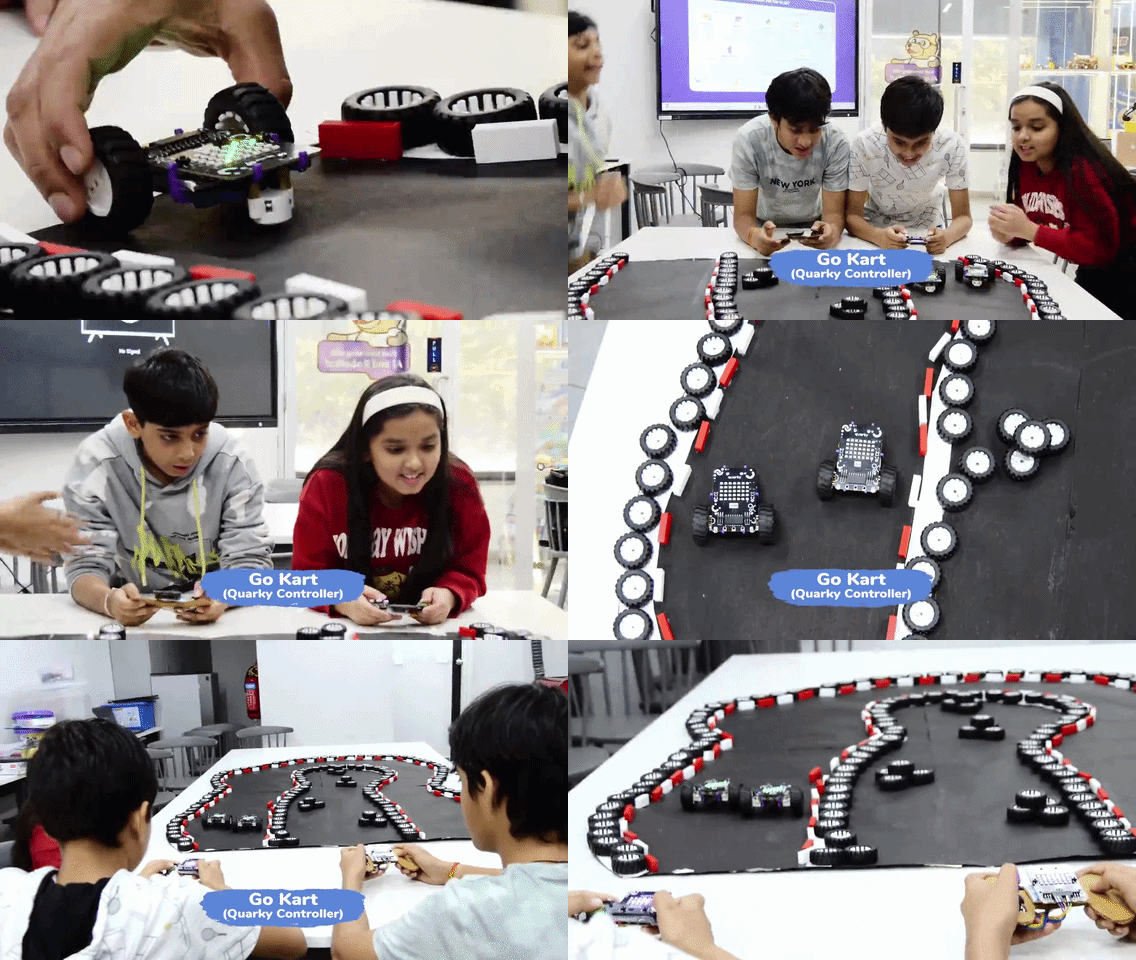
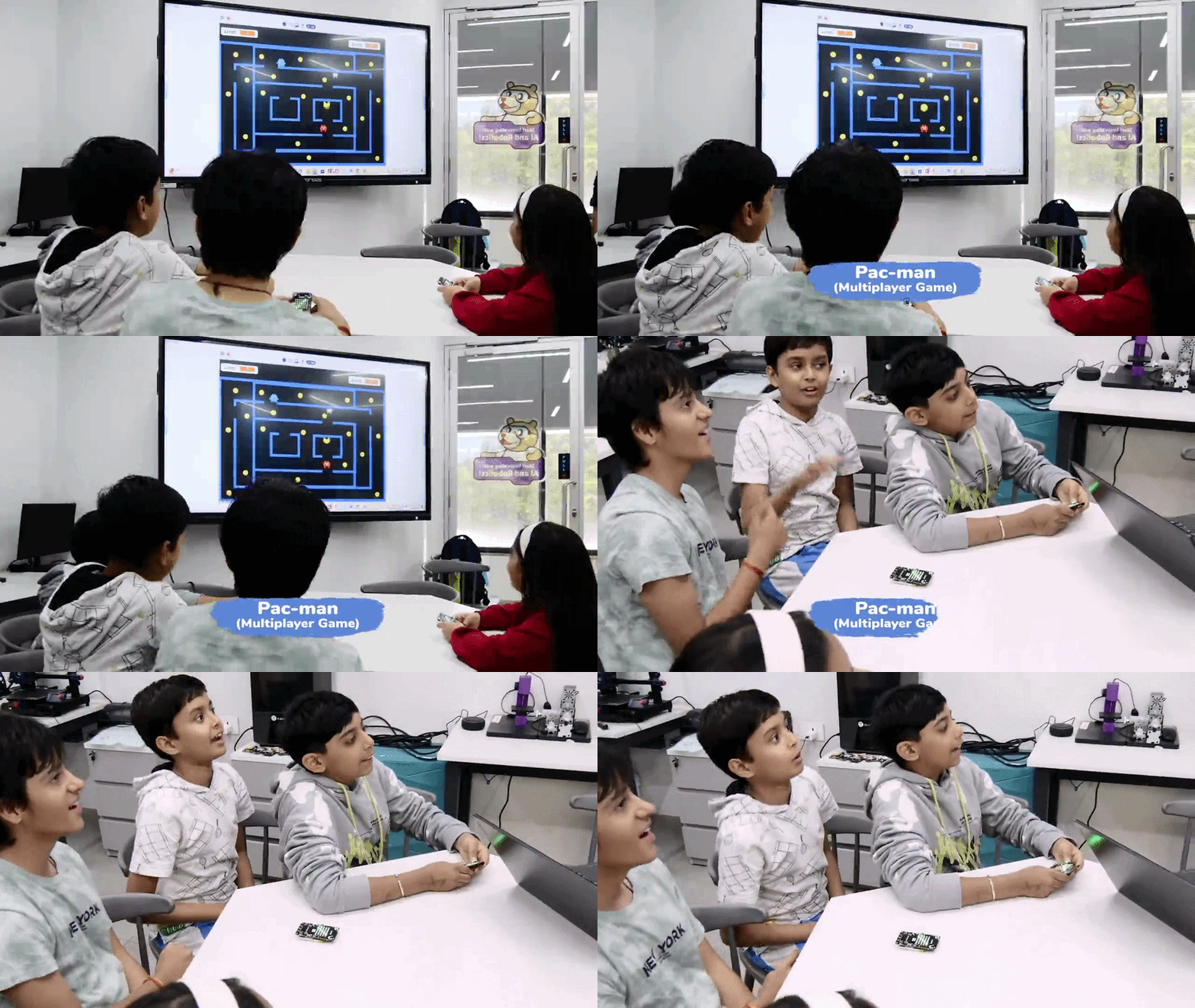
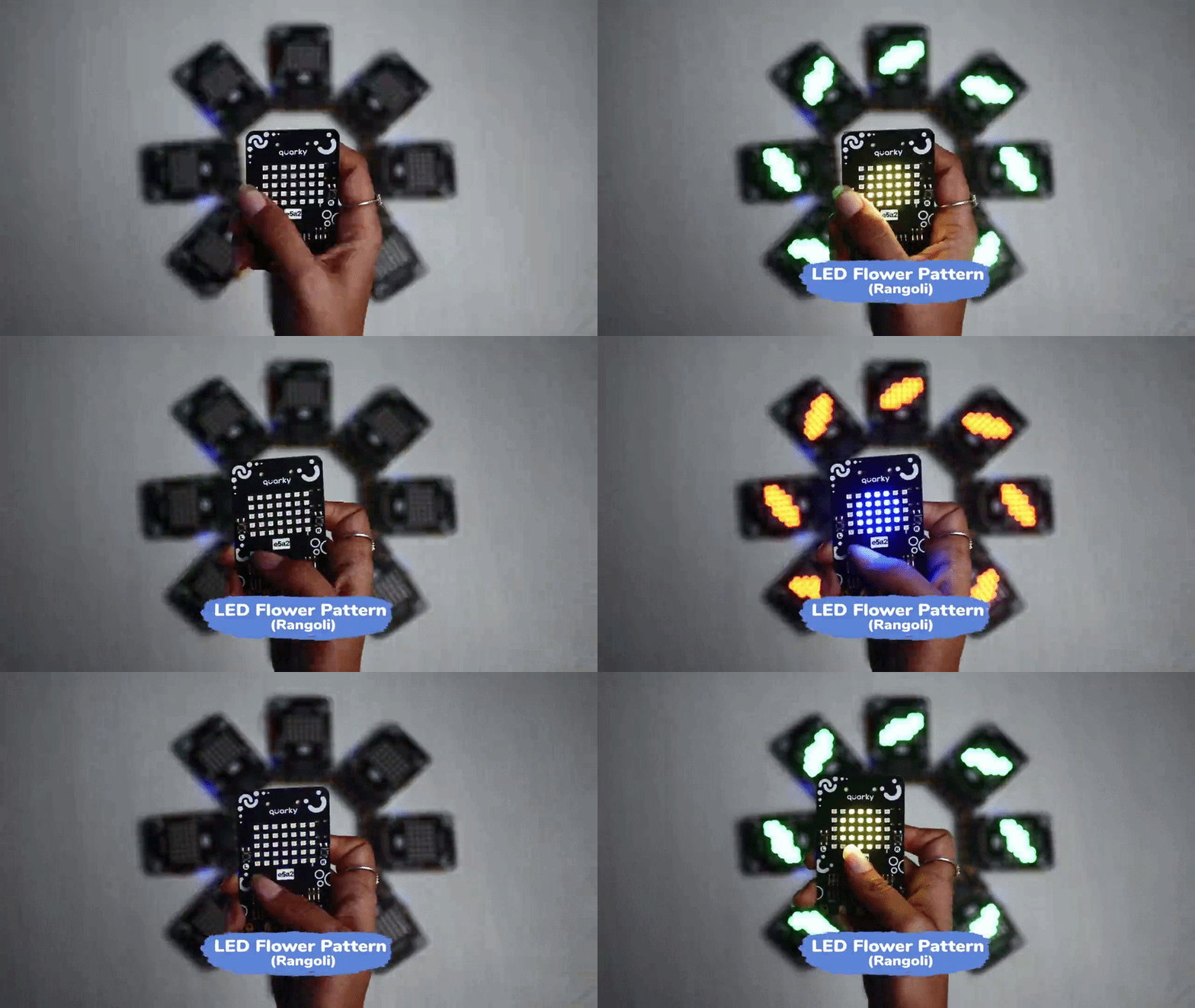
With Quarky Connect, you can create innovative and exciting projects like:

Before using the Quarky Connect extension, ensure that your Quarky is updated to the latest firmware version 6.0 If you are using an older Quarky firmware, this feature may not work, as Quarky Connect is supported only in the latest firmware.
Follow the steps below to upload the latest firmware:
Step 1: Make sure PictoBlox is installed on your device.
Please make sure to use PictoBlox version 9.1.0 or later for Quarky Connect Extension support. Click Download PictoBlox to visit the download page, select your operating system, and follow the on-screen instructions to install the latest version. 
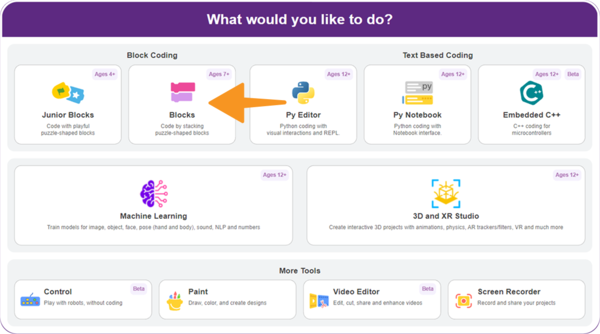
Step 2: Open PictoBlox and select the Block Coding environment.
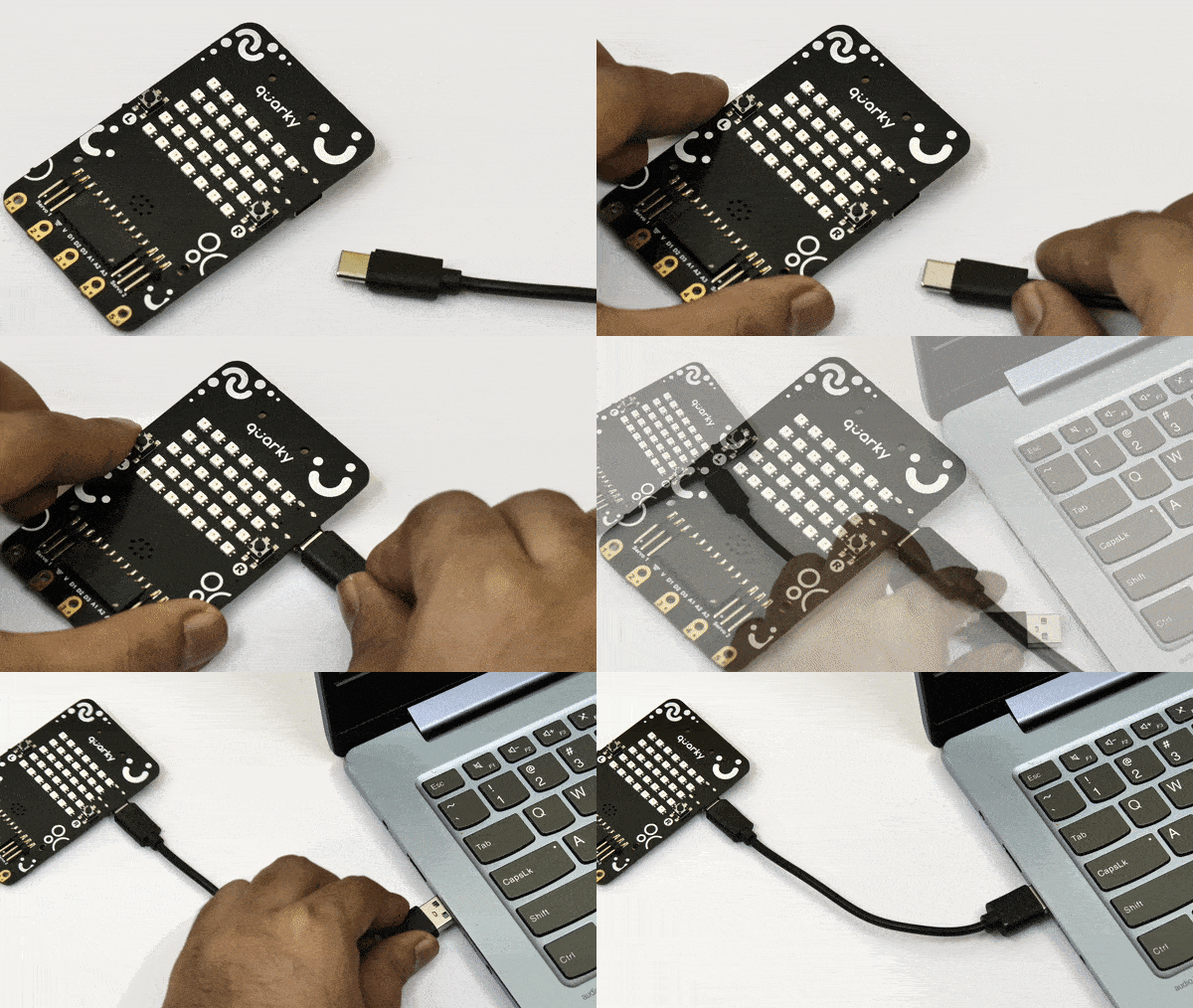
Step 3: Connect your Quarky to your computer using a USB cable.
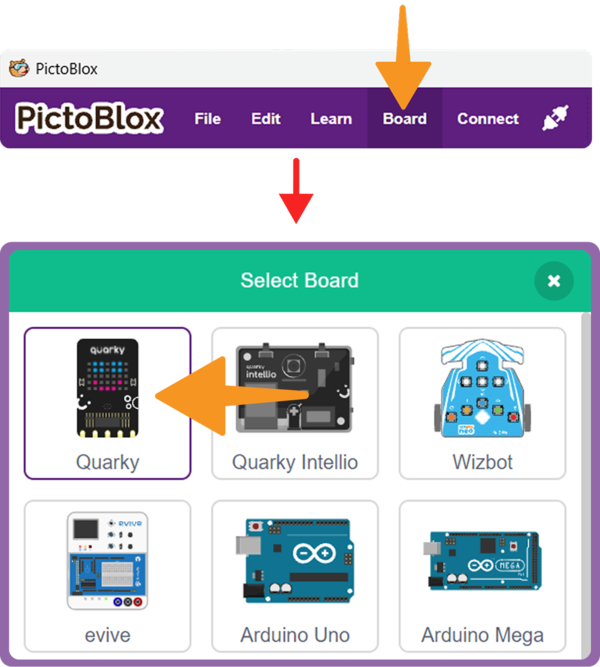
Step 4: Click on the Board button from the toolbar and select Quarky.
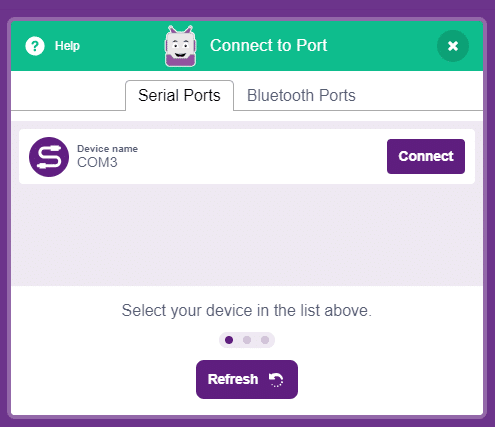
Step 5: Select the appropriate Serial Port and click Connect.
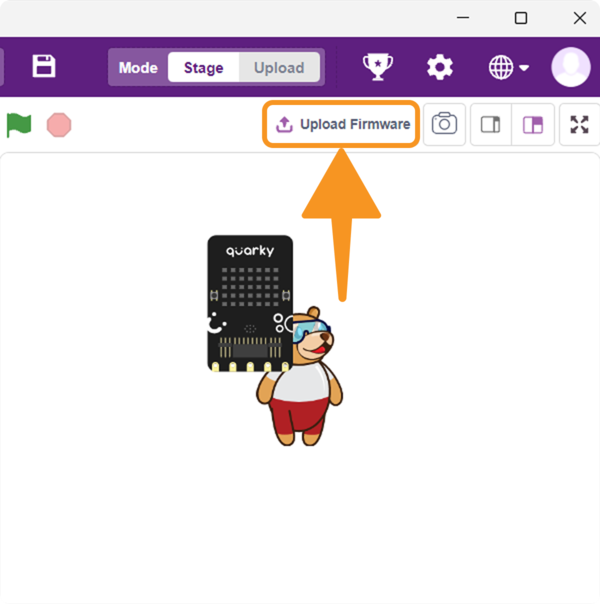
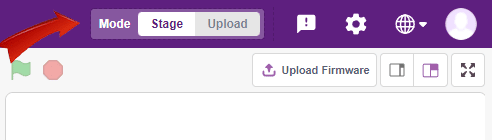
Step 6: In the upper right corner of the PictoBlox window, you will see the Upload Firmware button. Click, and a status window will open.
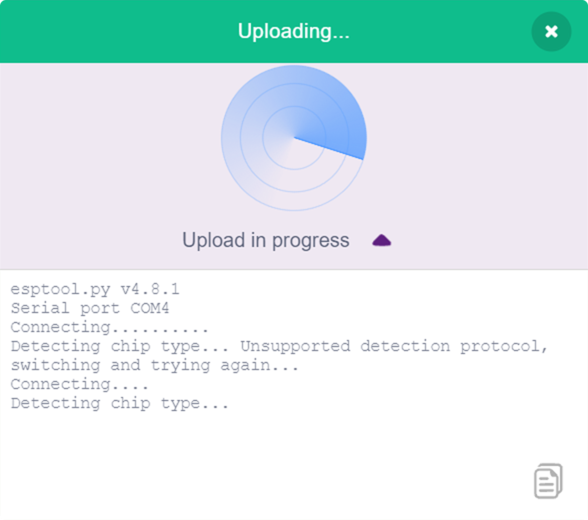
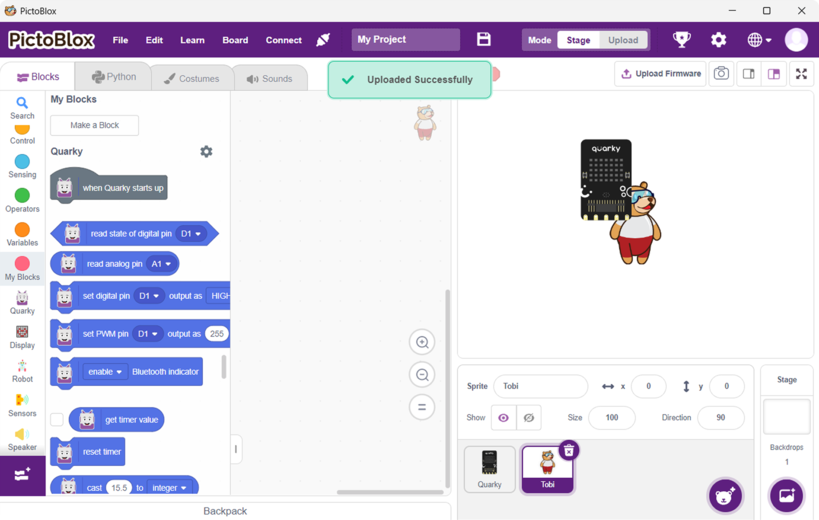
Step 7: Wait for the confirmation message on the screen.
Follow these steps to use the Quarky Connect extension:
Step 1: Create a new project.
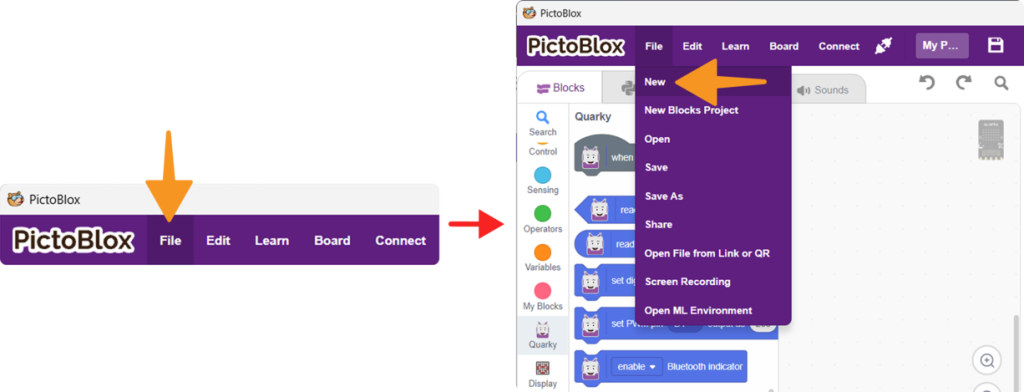
Step 2: Select the Block Coding environment.
Step 3: Select the Quarky Board.
Step 4: Click on Add Extension.
Step 5: Select and add the Quarky Connect extension.
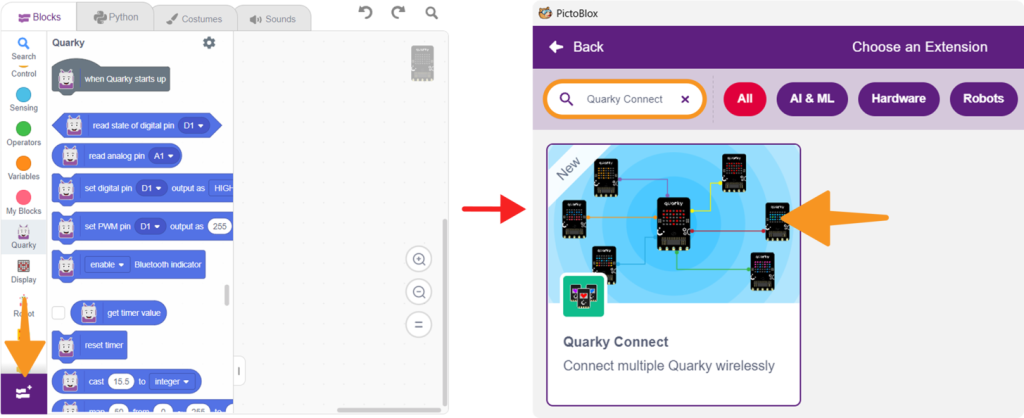
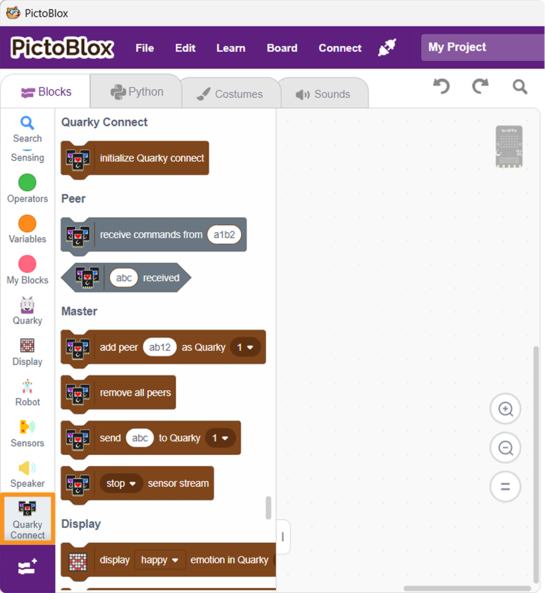
Step 6: You can now access all Quarky Connect blocks.
You can refer to the video tutorial How to Connect Multiple Quarky Robots using PictoBlox | Quarky Connect Tutorial for more information.