

- Scratch Based Default Extensions
- Artificial Intelligence
- Innovative Extensions
- Machine Learning Environment
- Quarky
- Quarky Intellio I2C Communication
- Quarky Advance Sensors Extension
- Quarky Connect
- Display (Quarky)
- Quarky (Main)
- Robot (Quarky)
- Sensors (Quarky)
- Speaker (Quarky)
- Quarky Ultimate Robots
- Quarky Expansion Board
- Mars Rover
- Humanoid (Quarky)
- Quadruped (Quarky)
- IoT House (Quarky)
- Quarky Mecanum
- Quarky Robotic Arm
- Dabble
- Quarky Advance Line Following
Motors (Arduino Alvik)
Extension Description
Control Arduino Alvik’s left and right wheel motors independently, adjust motor speed and power, and monitor wheel rotation using PictoBlox blocks and Python functions.
-
Available in: Block Coding, Python Coding
-
Mode: Stage Mode, Upload Mode
-
WiFi Required: No
-
Compatible Hardware in Block Coding: Arduino Alvik
-
Compatible Hardware in Python: Arduino Alvik
-
Object Declaration in Python: alvik = ArduinoAlvik()
-
Extension Catergory: Arduino Alvik
Introduction
The Motors (Arduino Alvik) blocks allow users to control the robot’s two drive motors individually. They provide options for controlling motor direction, speed, power, and rotation while reading feedback from the built-in wheel encoders.
Using these blocks, you can:
- Run the left or right motor independently.
- Control motor speed using percentages or RPM.
- Run motors for specified durations.
- Set different speeds or power levels for both wheels.
- Read motor RPM and rotation angles.
- Reset motor rotation measurements.
These blocks are useful for learning motor control, wheel encoders, differential-drive robotics, and movement automation.
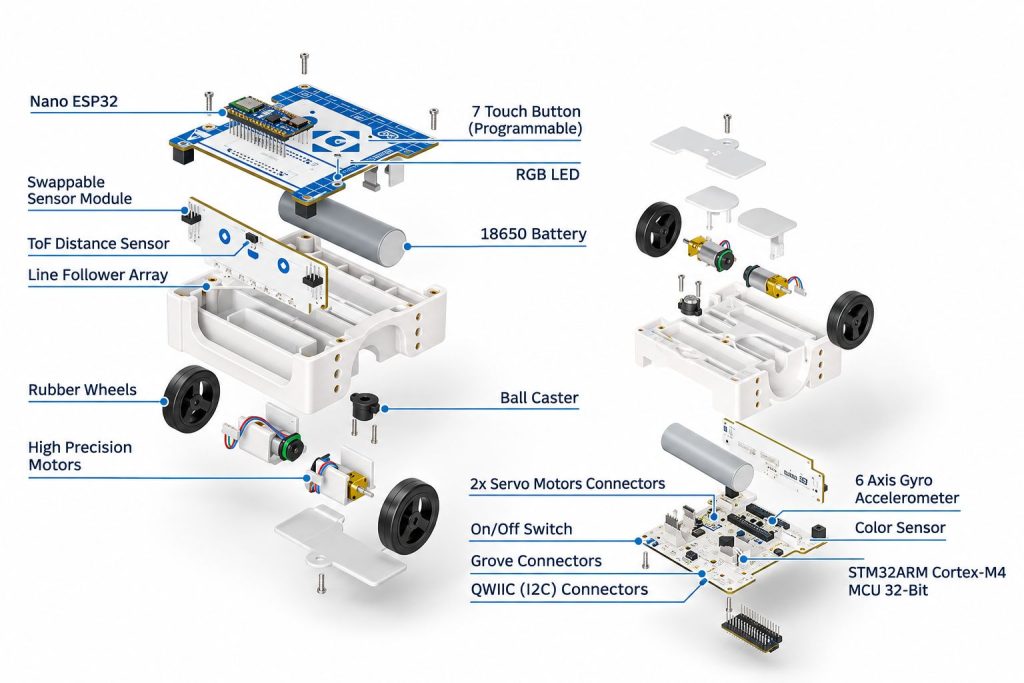
Connecting Arduino Alvik with PictoBlox
Before using the Motors (Arduino Alvik) blocks, connect your robot to PictoBlox using USB or Bluetooth.
Follow the step-by-step instructions in the Arduino Alvik Connection Guide.

Read More
PictoBlox Blocks
All articles loaded
No more articles to load
Python Functions
This function runs the selected motor at the specified speed and direction.
Syntax: runWheel(1, 1, 100)
This function runs the selected motor at the given speed and direction for a specified duration in seconds.
Syntax: runWheelTimed(1, 1, 100, 1)
This function controls the selected motor at the specified rotational speed in RPM.
Syntax: run_wheel_rpm(1, 1, 50)
This function runs the selected motor at the specified RPM for a defined duration.
Syntax: run_wheel_rpm_timed(1, 1, 50, 1)
This function independently sets the RPM targets of the left and right motors.
Syntax: set_wheels_rpm(50, 50)
This function sets separate motor-power percentages for the left and right motors.
Syntax: set_wheels_power(50, 50)
This function returns the current rotational speed of the selected motor in RPM.
Syntax: get_wheel_speed(1)
This function returns the accumulated rotation angle of the selected motor in degrees.
Syntax: get_wheel_angle(1)
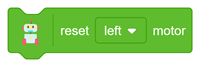
This function resets the rotation measurement of the selected wheel motor.
Syntax: reset_wheel(1)
All articles loaded
No more articles to load
Table of Contents