
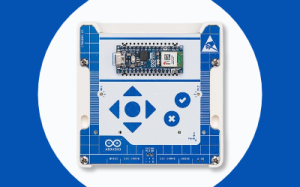

Arduino Alvik (Main)

Arduino Alvik (Main)
Extension Description
Control essential Arduino Alvik functions, monitor battery levels, print values to the serial output, and manage timer operations using PictoBlox.

Introduction

The Arduino Alvik (Main) extension provides essential programming blocks for working with Arduino Alvik in PictoBlox. It allows users to start programs automatically, monitor battery levels, display information through serial output, and perform timer-based operations.

Using this extension, you can:

  • Run an uploaded program when Arduino Alvik starts.
  • Print messages, numbers, and sensor readings to the serial output.
  • Monitor the robot’s battery level.
  • Measure elapsed time during program execution.
  • Reset the timer for new measurements.

This extension is useful for program initialization, debugging, battery monitoring, and time-based robotics activities.
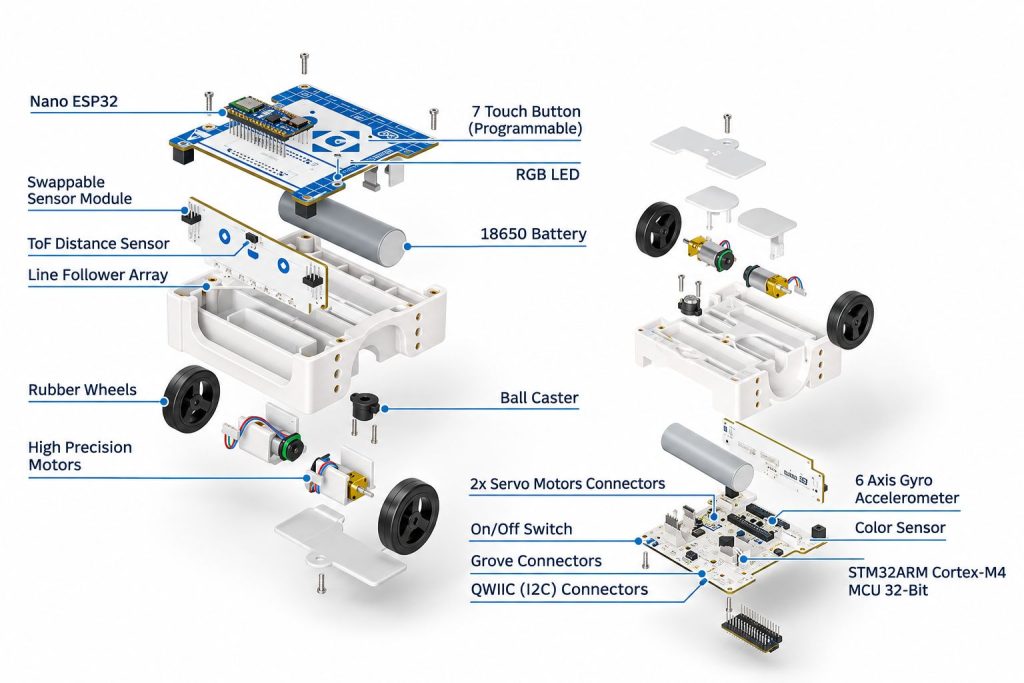
Alvik Internal Components

Connecting Arduino Alvik with PictoBlox

Before using the Arduino Alvik (Main) blocks, connect your robot to PictoBlox using USB or Bluetooth.

Follow the step-by-step instructions in the Arduino Alvik Connection Guide.

CTR of Arduino Alvik Connection Guide

Read More

PictoBlox Blocks

This Hat block starts executing the attached script when Arduino Alvik powers on or restarts after a supported program has been uploaded. It is used as the starting point for standalone robotics projects in Upload Mode.
This block sends text, numbers, or variable values to the serial output. It helps users debug programs and monitor sensor readings during program execution.
This reporter block returns the robot’s battery level as a percentage from 0 to 100. It is useful for monitoring the remaining battery charge during robotics activities.
This reporter block returns the elapsed time in seconds since the timer started or was last reset. It helps users measure time intervals and create time-based programs.
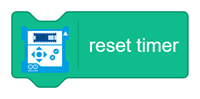
This block resets the internal timer to zero. It allows users to begin measuring a new time interval.
All articles loaded
No more articles to load

Python Functions

This function displays the specified text or value in the configured program or serial output.
Syntax: print(“hello”)
This function returns the Arduino Alvik battery level as a percentage.
Syntax: get_battery_level( )
This function returns the current elapsed timer value in seconds.
Syntax: get_timer( )
This function resets the timer value to zero.
Syntax: reset_timer( )
All articles loaded
No more articles to load
Table of Contents