



Introduction
The Animal Sound Classifier is a Machine Learning project developed using the PictoBlox Machine Learning Environment. It demonstrates how supervised learning can be used to classify different animals based on the sounds they produce.
In this project, a dataset containing audio features extracted from various animal sounds is used to train a classification model. Each sound sample belongs to a specific animal class such as Dog, Cat, Cow, Sheep, Bird, or Lion. After the training process is completed, the model can predict the corresponding animal by analyzing new input data.
This project provides learners with practical experience in importing datasets, selecting input and output features, training a Machine Learning model, evaluating its performance, and making predictions. It serves as an excellent introduction to audio classification and demonstrates how Artificial Intelligence can recognize patterns in sound data.
Setting Up the Machine Learning Environment
- Open PictoBlox.
- Select Machine Learning Environment from the home screen.
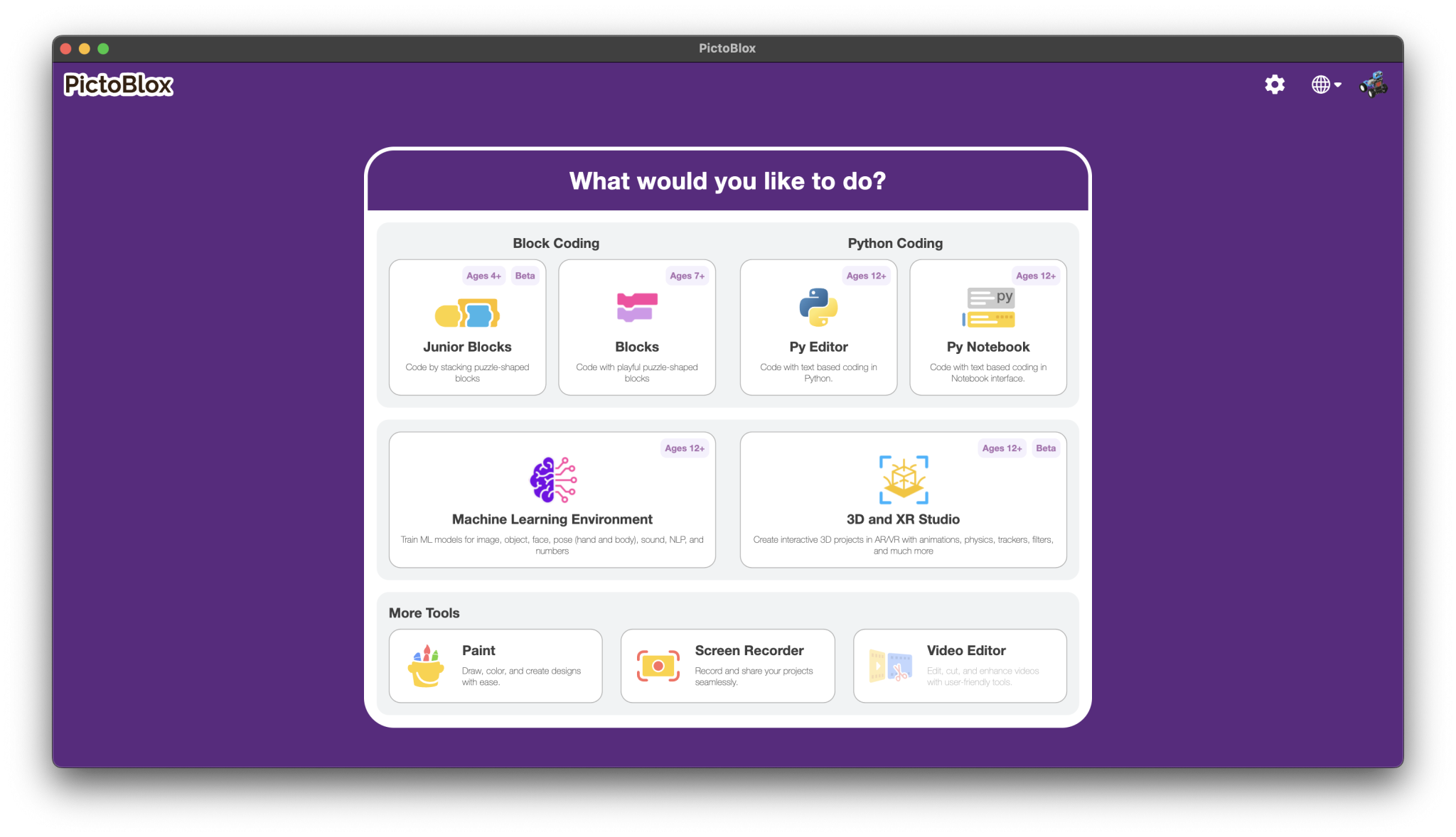
- Choose Classification mode.
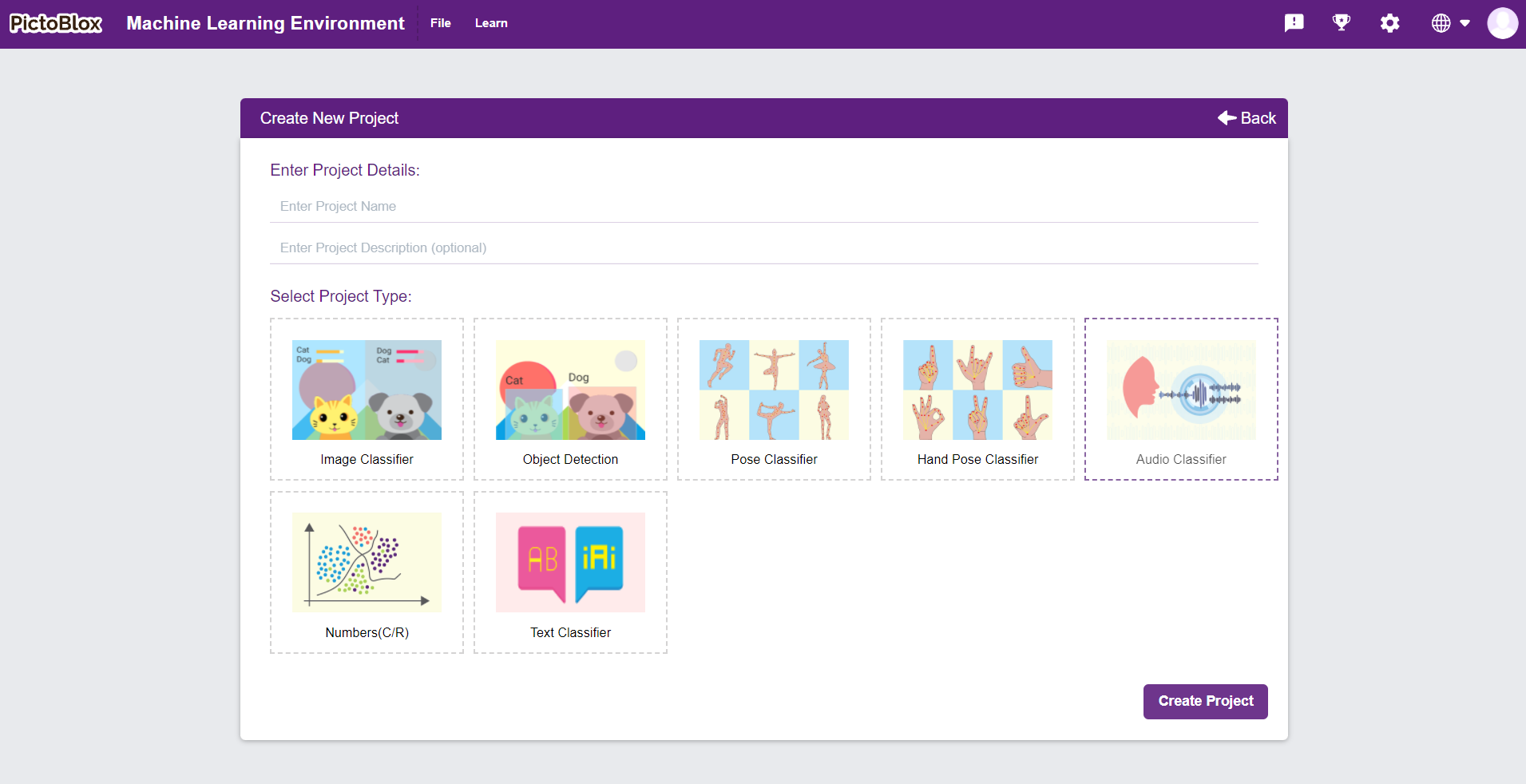
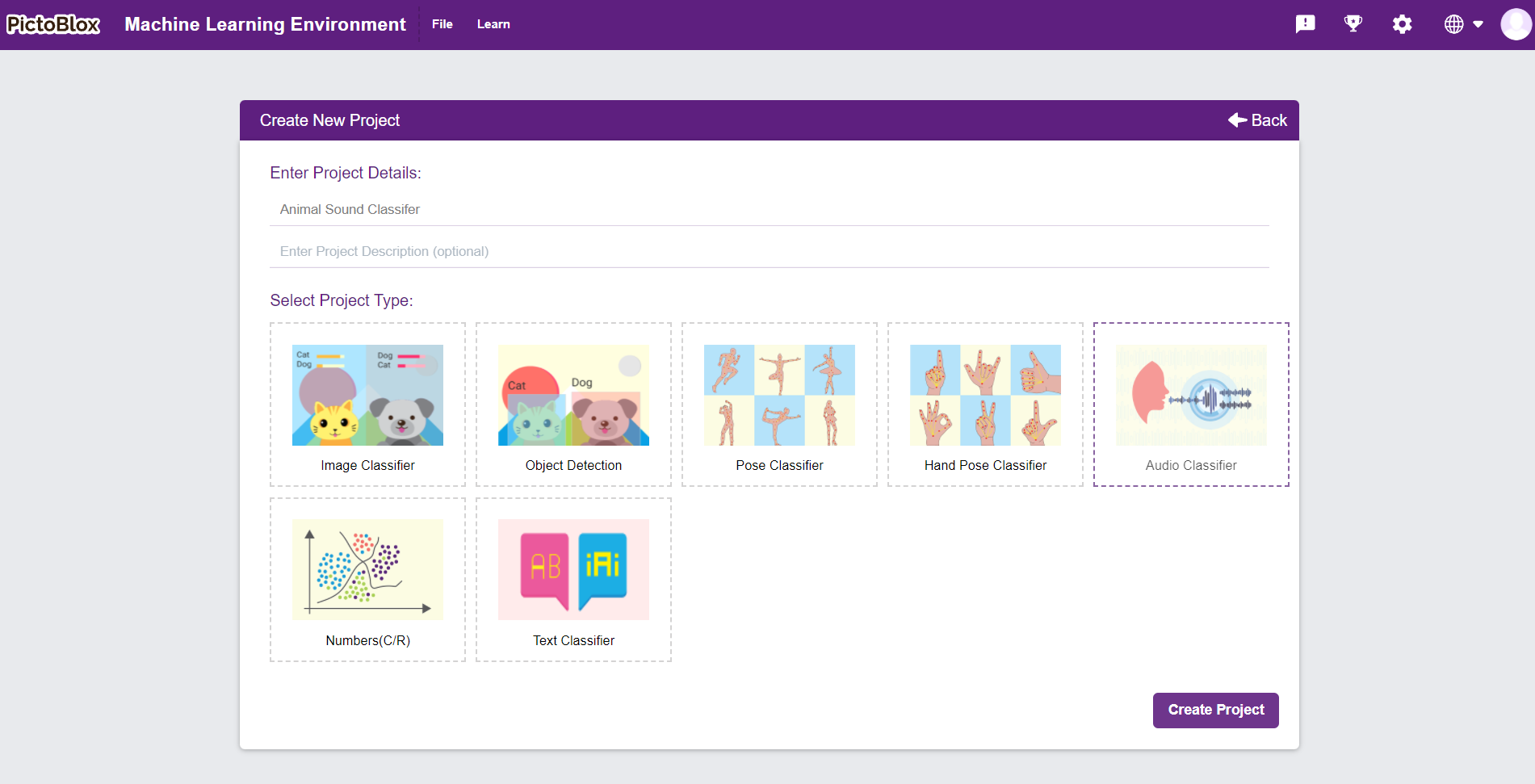
- Create a new project and name it Animal Sound Classifier.
- Import the Animal Sound data.
Configuring the Data
After importing the data, configure the data before training.
- Select all the audio feature columns as Input Features.
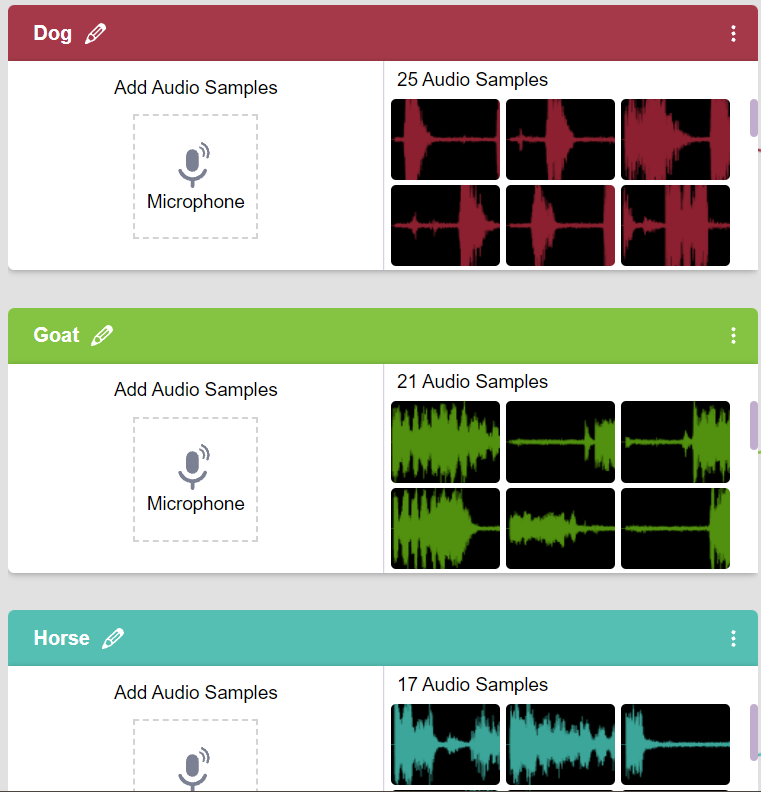
- Select the Animal.
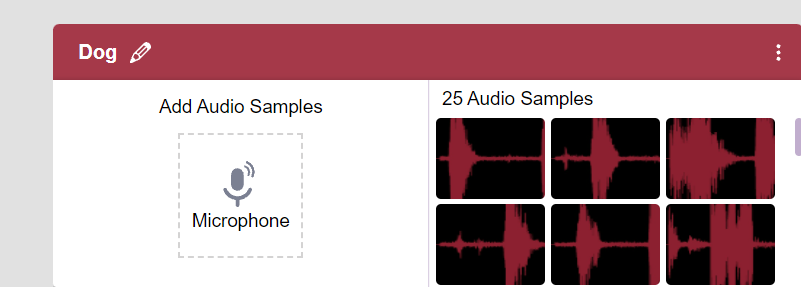
- Click Set as Output.
- Verify that the selected input and output are correct before proceeding.
Training the Machine Learning Model
- Ensure Classification Mode is selected.
- Click the Train button.
- Wait for the training process to complete successfully.
- Observe the Accuracy vs Epochs graph during training.
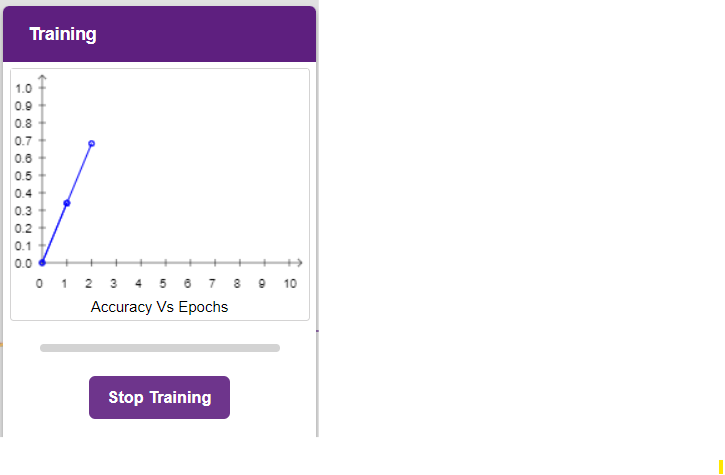
- Review the final training accuracy.
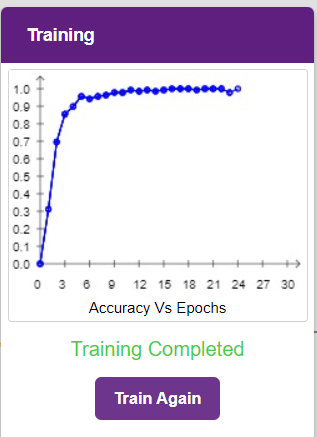
- If required, retrain the model after making changes to the dataset.
Testing the Model
- Open the Testing panel.
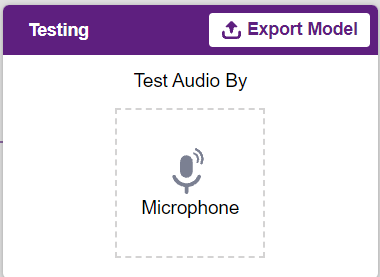
- Enter the required values for the audio feature inputs.
- Click the Predict button.
- The trained model analyzes the input values.
- Confidence scores for each animal class are displayed.
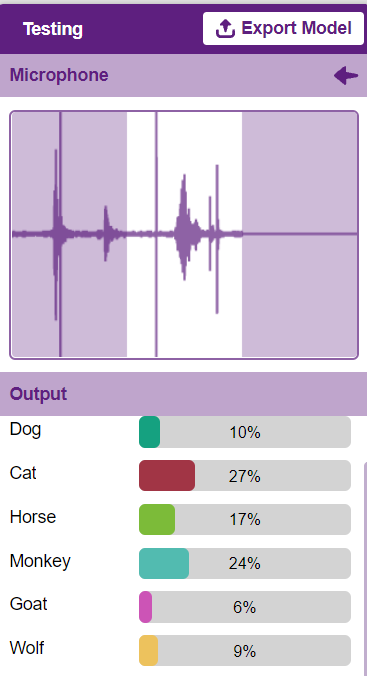
- The animal with the highest confidence score is selected as the final prediction.
Exporting the Model
- After successful training, click Export Model.
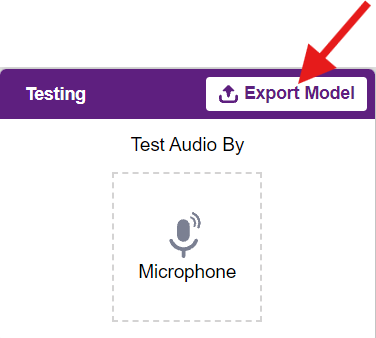
- Save the trained Machine Learning model to your computer.
- The exported model can be imported into future PictoBlox Machine Learning projects for prediction.
Output
Once the model is trained successfully, users can enter new audio feature values into the Testing panel. After clicking the Predict button, the Machine Learning model analyzes the input data and displays confidence scores for each animal class. The animal with the highest confidence score is displayed as the final prediction.
Conclusion
The Animal Sound Classifier project demonstrates how Machine Learning can be applied to classify animals based on their sound characteristics using the PictoBlox Machine Learning Environment. By importing a dataset, selecting input and output features, training a classification model, and testing new data, learners gain hands-on experience with supervised Machine Learning. This project helps build a strong understanding of audio classification and showcases how Artificial Intelligence can identify and categorize sound patterns for real-world applications.