- Scratch Based Default Extensions
- Artificial Intelligence
- Innovative Extensions
- Machine Learning Environment
- Quarky
- Quarky Intellio I2C Communication
- Quarky Advance Sensors Extension
- Quarky Connect
- Display (Quarky)
- Quarky (Main)
- Robot (Quarky)
- Sensors (Quarky)
- Speaker (Quarky)
- Quarky Ultimate Robots
- Quarky Expansion Board
- Mars Rover
- Humanoid (Quarky)
- Quadruped (Quarky)
- IoT House (Quarky)
- Quarky Mecanum
- Quarky Robotic Arm
- Dabble
- Quarky Advance Line Following
3D and XR Studio Events
Extension Description
Event blocks are tied to triggers in a project, initiating actions when one part signals another to execute, allowing for coordinated task execution.
-
Available in: Block Coding, Python Coding
-
Mode: Stage Mode
-
WiFi Required: No
-
Compatible Hardware in Block Coding: evive, Quarky, Wizbot, Arduino Uno, Arduino Mega, Arduino Nano, ESP32, T-Watch, Boffin, micro:bit, TECbits, LEGO EV3, LEGO Boost, LEGO WeDo 2.0, Go DFA
-
Compatible Hardware in Python: evive, Quarky, Wizbot, Arduino Uno, Arduino Mega, Arduino Nano, ESP32, T-Watch, Boffin, micro:bit, TECbits, LEGO EV3, LEGO Boost, LEGO WeDo 2.0, Go DFA
-
Object Declaration in Python: .
Introduction
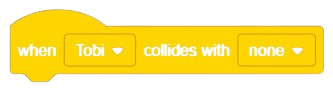
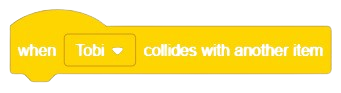
Events is one of the ten categories of default Scratch blocks. They are color-coded light yellow and are used to sense events, which trigger scripts to run. Event blocks are essential for every project: without the hat blocks from this category, a project would not be able to begin except by manually running scripts.

Read More
PictoBlox Blocks
Table of Contents