
Quarky Connect
Extension Description
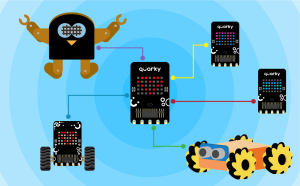
Control multiple Quarky wirelessly.
-
Available in: Block Coding, Python Coding
-
Mode: Stage Mode, Upload Mode
-
WiFi Required: No
-
Compatible Hardware in Block Coding: Quarky
-
Compatible Hardware in Python: Quarky
-
Object Declaration in Python: quarky = Quarky()
-
Extension Catergory: Quarky
Introduction
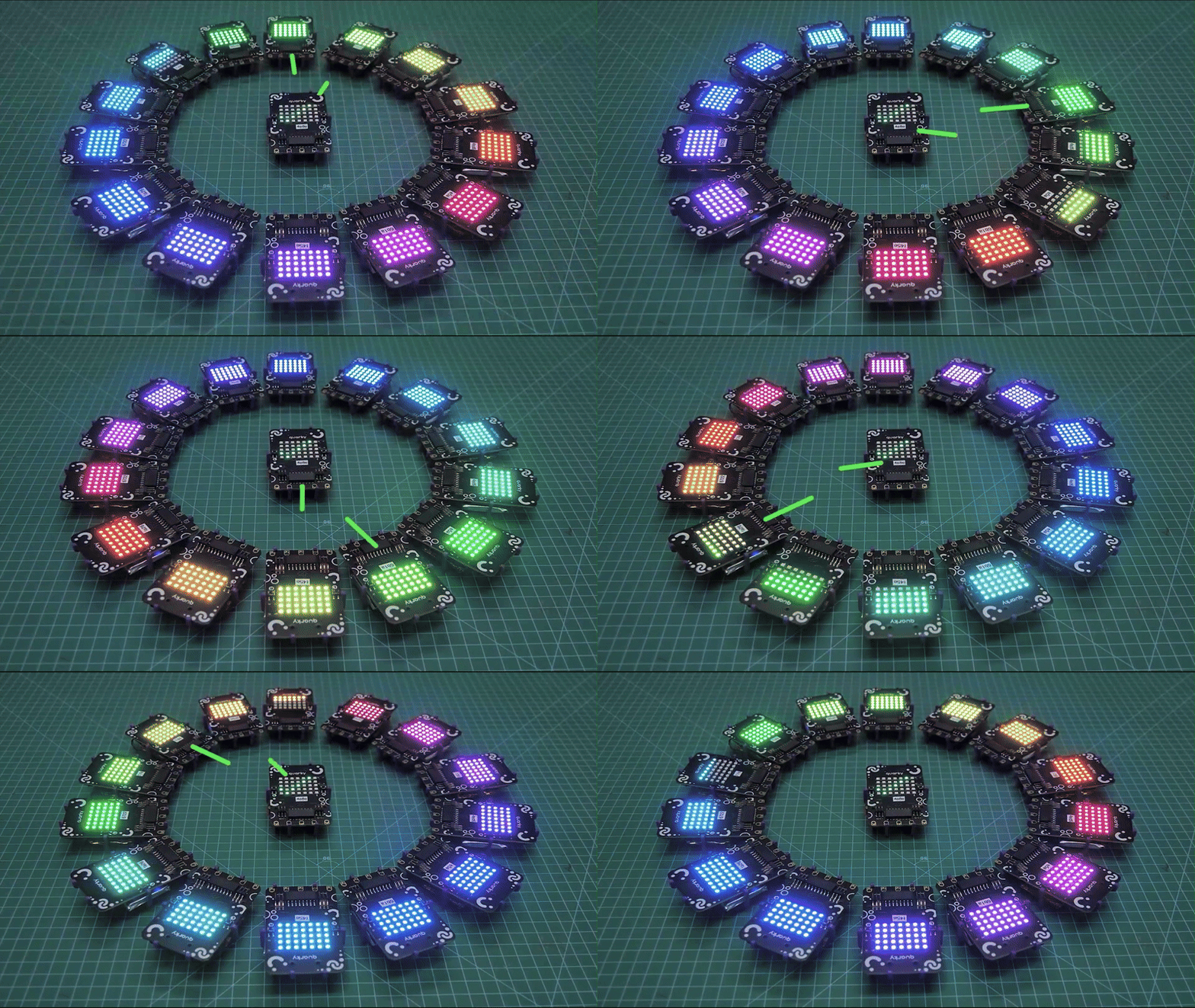
This extension lets you connect multiple Quarky robots together wirelessly using ESP-NOW. With this, you can make one Quarky control others, send messages between them, or make them work together as a team — all without needing a Wi-Fi Router or the internet!
It’s perfect for fun classroom projects where students build smart robots that talk to each other, like a group of robots moving in sync or passing information. Designed for students, teachers, and makers, this extension helps you explore wireless communication and teamwork between robots in a simple, block-based way using PictoBlox.
Accessing Quarky Connect in Block Coding
Following is the process to add Quarky Connect capability to the PictoBlox Project.
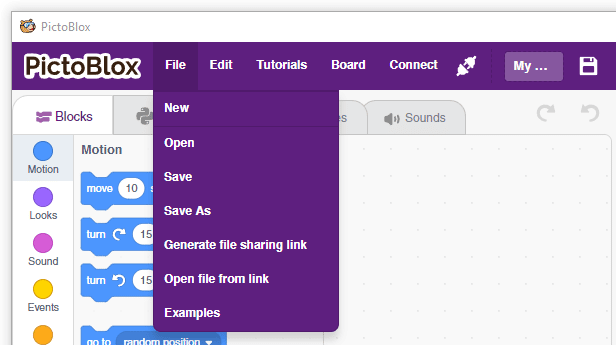
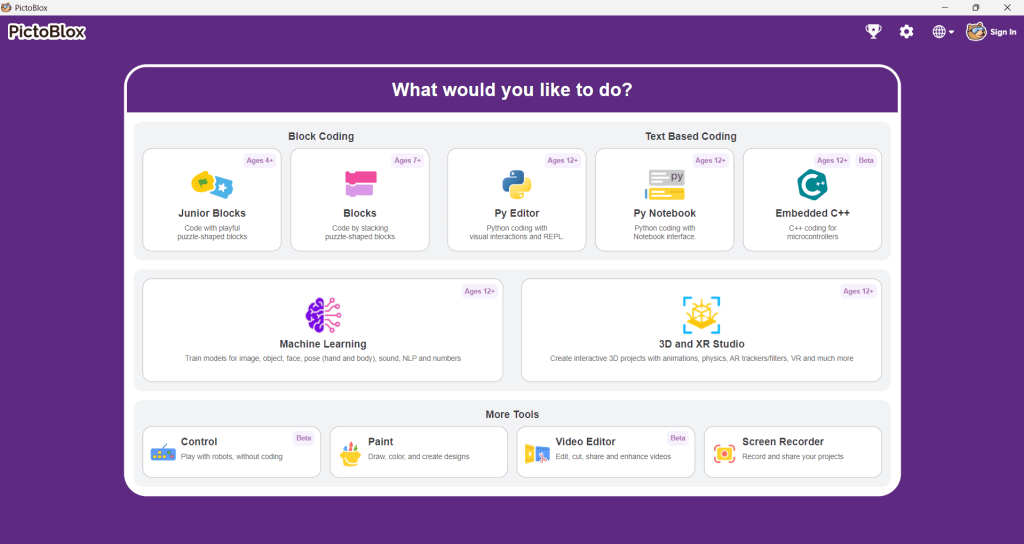
- Open PictoBlox and create a new file.

- Select the coding environment as Blocks

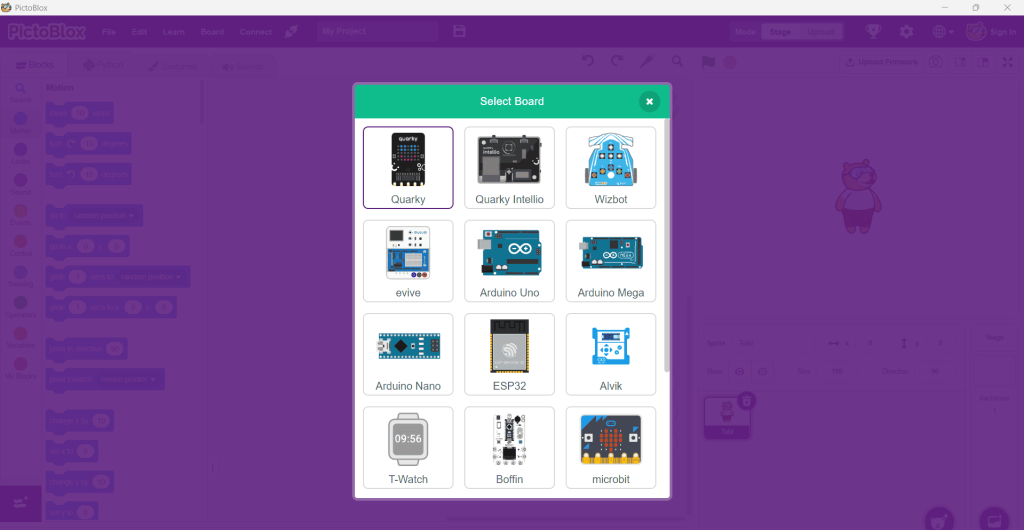
- Select Quarky Board

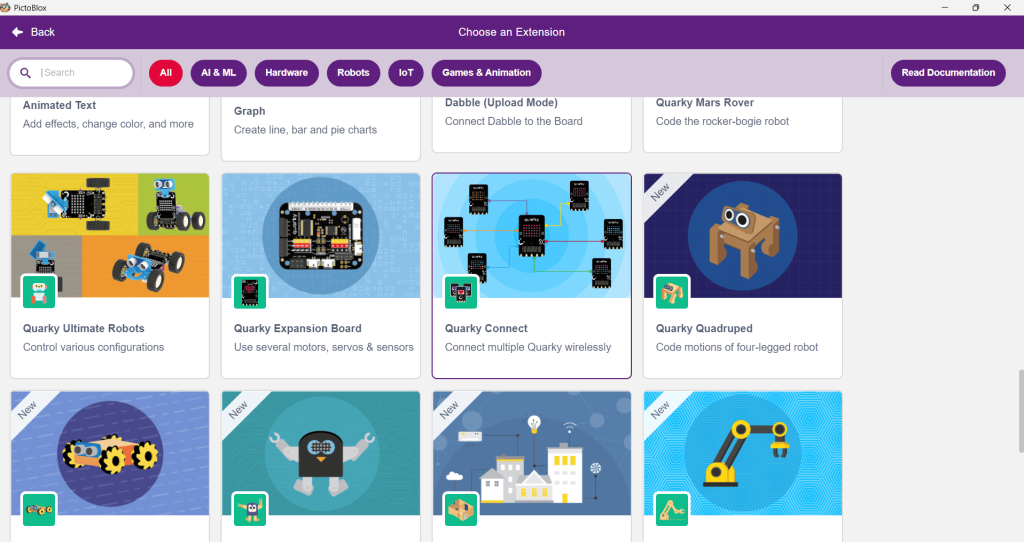
- Now, select the “Add Extension” button and add the Quarky Connect extension.

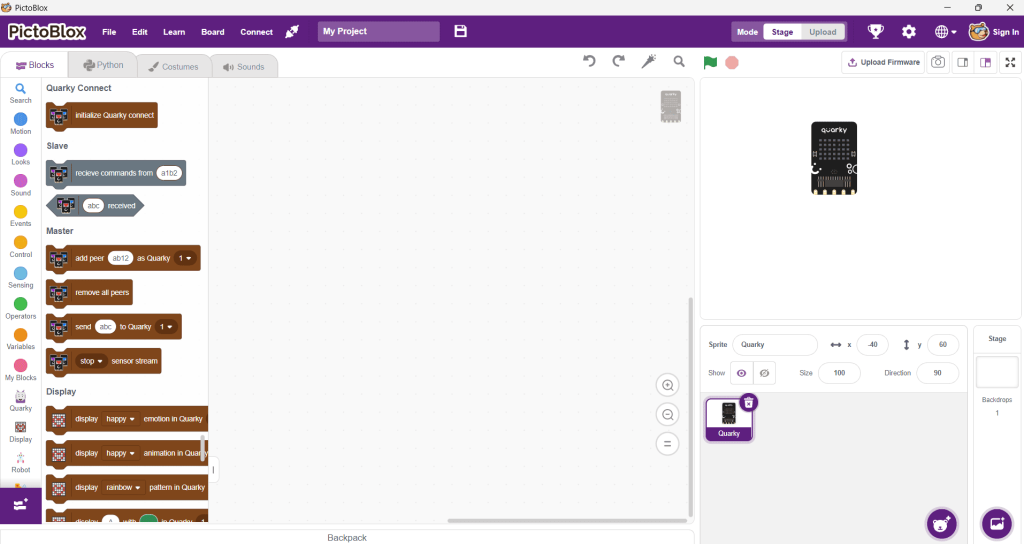
- The Quarky Connect blocks can all be accessed here.

Read More
PictoBlox Blocks
All articles loaded
No more articles to load
Table of Contents