Quarky Mini Expansion Board

Mini Expansion Board
Extension Description
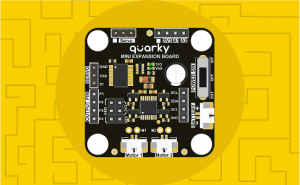
The Quarky Mini Expansion Board extension enables users to control the motor, PWM, and other I/O functions.

Introduction

The Quarky Mini Expansion Board extension enables users to control the motor, PWM, and other I/O functions. This extension allows for seamless interaction with motors, sensors, and actuators to build robotics projects.

Using this extension, you can:

  • Initialize and activate the Quarky Mini Expansion Board.
  • Set the PWM pin output value (0-255).
  • Run motors in forward or backward directions with a defined speed (0-100).
  • Control motors for a specific duration and then stop automatically.
  • Run Motor-1 and Motor-2 simultaneously with independent speed control.
  • Stop specific motors immediately.
  • Reverse motor direction for dynamic movement control.
  • Move the robot forward, backward, left, or right at a specified speed.
  • Stop the robot.

This extension is ideal for robotics projects, automation, and motor control applications.

Connecting Quarky with PictoBlox

Let’s begin by first connecting Quarky to PictoBlox. Select your preferred type of device. Follow the steps below for connecting Quarky to PictoBlox:

  1. First, connect Quarky to your laptop using a USB cable.
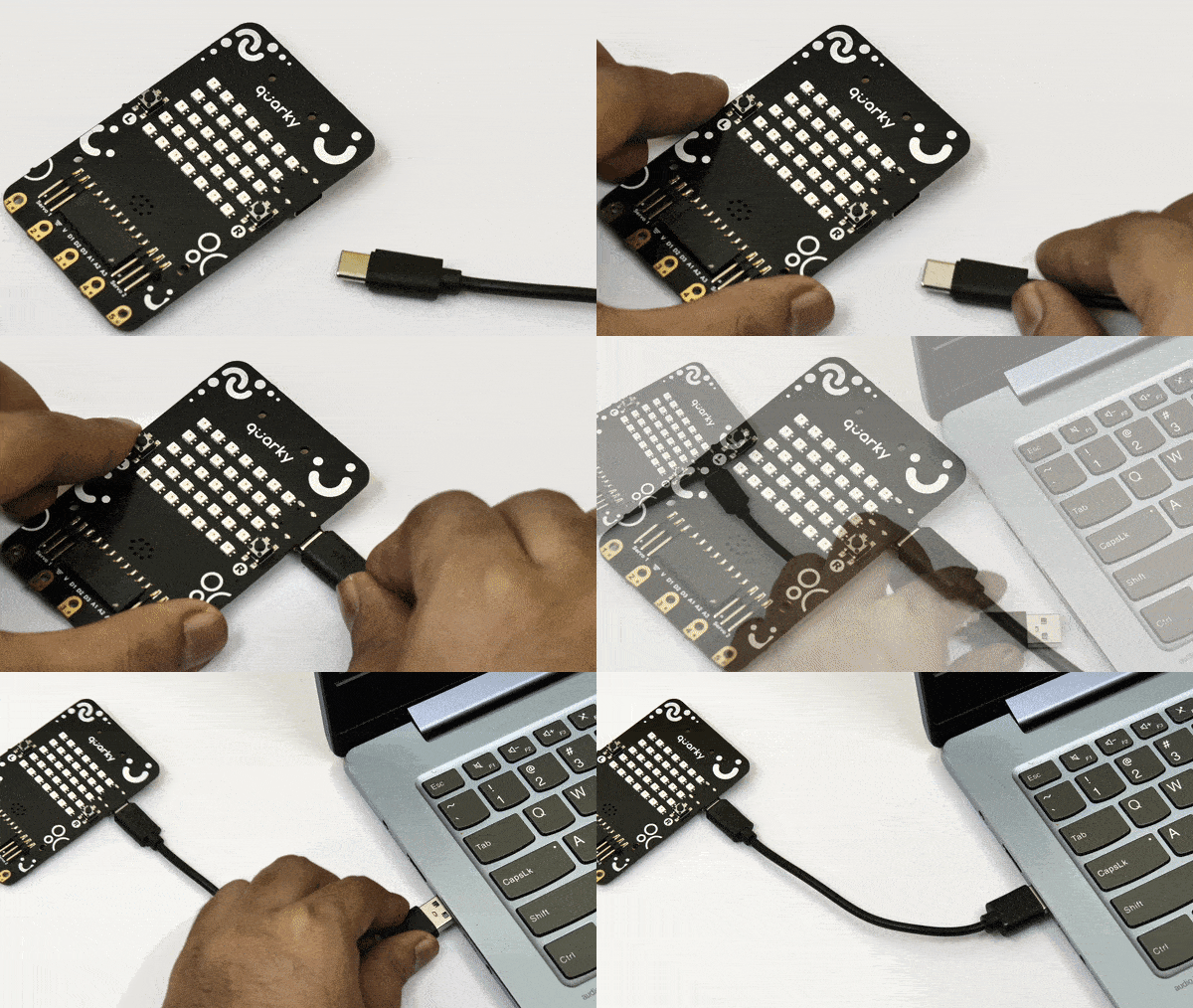
    Power Quarky
  2. Next, open PictoBlox on your desktop.
  3. After that, select Block or Python Coding as your coding environment.
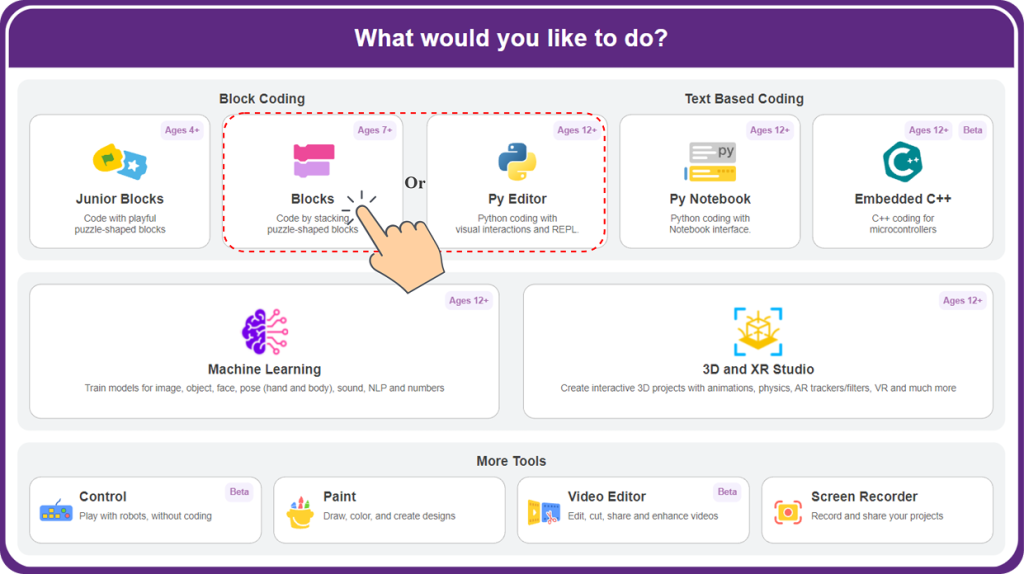
    Blocks or Pyeditor Selection
  4. Then, click the Board button in the toolbar and select board as Quarky.
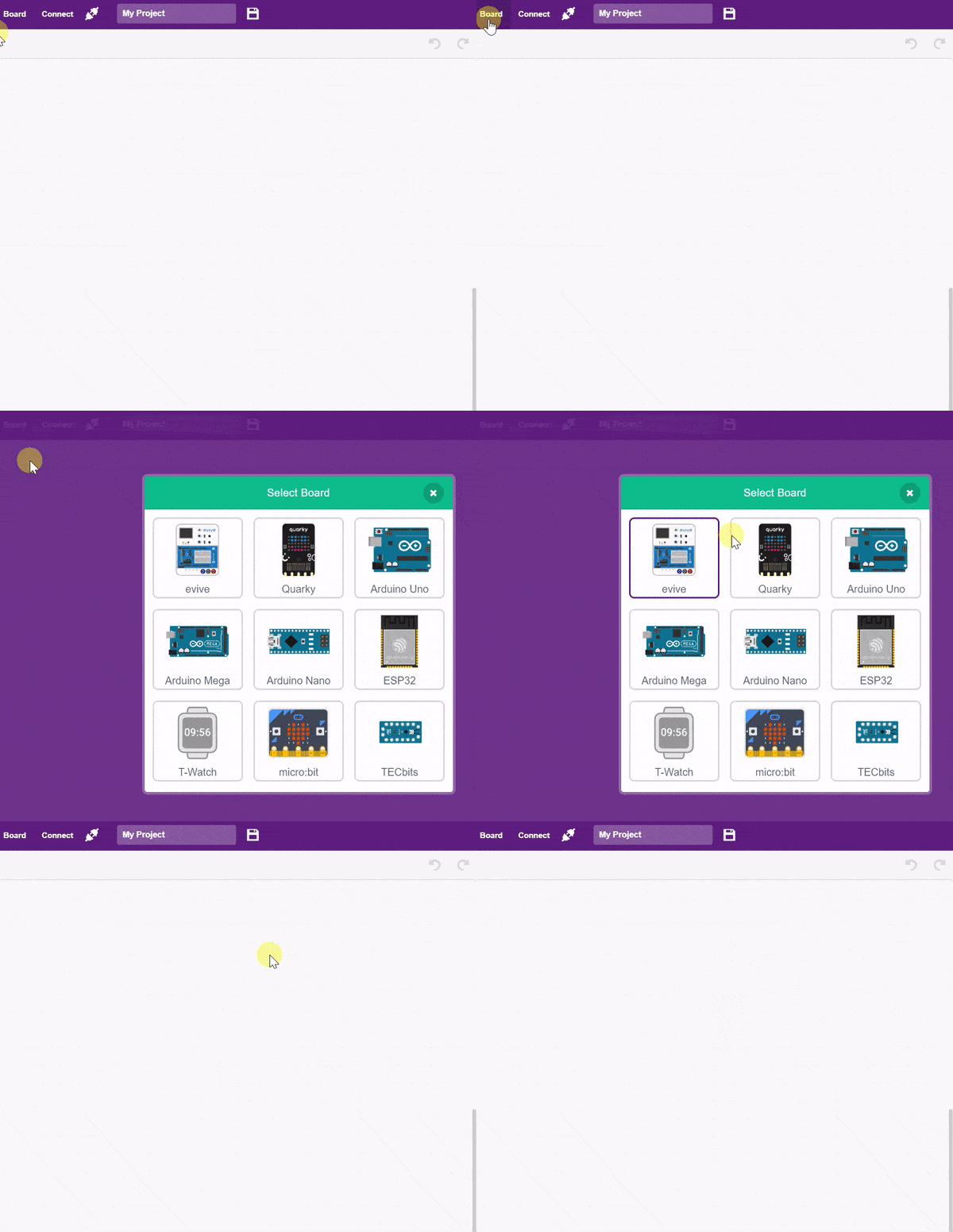
  5. Next, select the appropriate Serial port if the Quarky is connected via USB or the Bluetooth Port if you want to connect the Quarky via Bluetooth, and press Connect.
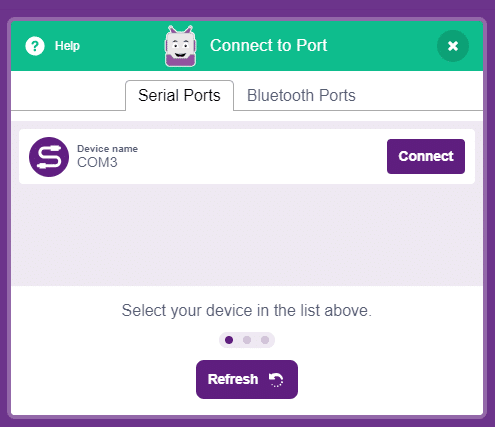
    COM Port

Quarky is now connected to PictoBlox.

Connecting Quarky Intellio with PictoBlox

Let’s begin by first connecting Quarky Intellio to PictoBlox. Follow the step-by-step instructions in the Quarky Intellio Connection Guide to establish the connection.

Refer to the guide here:
Connection Guide Redirection Page

Read More

PictoBlox Blocks

This block initializes and activates the Mini Quarky Expansion Board to enable motor and PWM control.
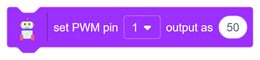
This block sets the PWM output of the specified pin to the given value between 0 and 255.
This block runs the specified motor in the forward or backward direction at the specified speed (0-100).
This block runs the specified motor in the forward or backward direction for the specified speed and duration. Once the time expires, the motor stops automatically.
This block runs both motors simultaneously, where each motor can move in forward or backward directions with individual speed values (0-100).
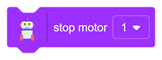
Stops the selected motor immediately, regardless of direction or speed.
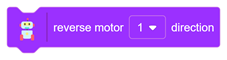
This block reverses the direction of the specified motor. If the motor is moving forward, it switches to backward
This block drives the robot forward, backward, left, or right using both motors at the specified speed (0-100).
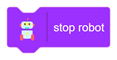
This block stops all motors and halts the robot completely.
All articles loaded
No more articles to load

Python Functions

This function initializes the Mini Quarky Expansion Board for use.
Syntax: miniinitialise( )
This function sets the PWM output of the specified pin to the given value between 0 and 255.
Syntax: setanalogoutput(‘1’, 50)
This function runs a motor in the forward or backward direction at the specified speed (0-100).
Syntax: runmotor(‘L’, ‘1’, ‘100’)
This function runs a motor forward or backward with the specified speed for a defined time, then automatically stops the motor.
Syntax: runmotorfortime(‘L’, ‘1’, ‘100’)
This function runs Motor-1 and Motor-2 simultaneously, each with its specified speed and direction.
Syntax: runbothmotors( ‘1’, ‘1’, ‘100’, ‘100’)
This function stops the specified motor immediately.
Syntax: stopmotor(‘L’)
This function reverses the direction of the specified motor.
Syntax: reversemotordirection(‘L’)
This function drives the robot forward, backward, left, or right at the specified speed (0-100).
Syntax: runbobot(‘1’, ‘100’)
This function stops all motors and halts the robot completely.
Syntax: stoprobot( )
All articles loaded
No more articles to load
Table of Contents