

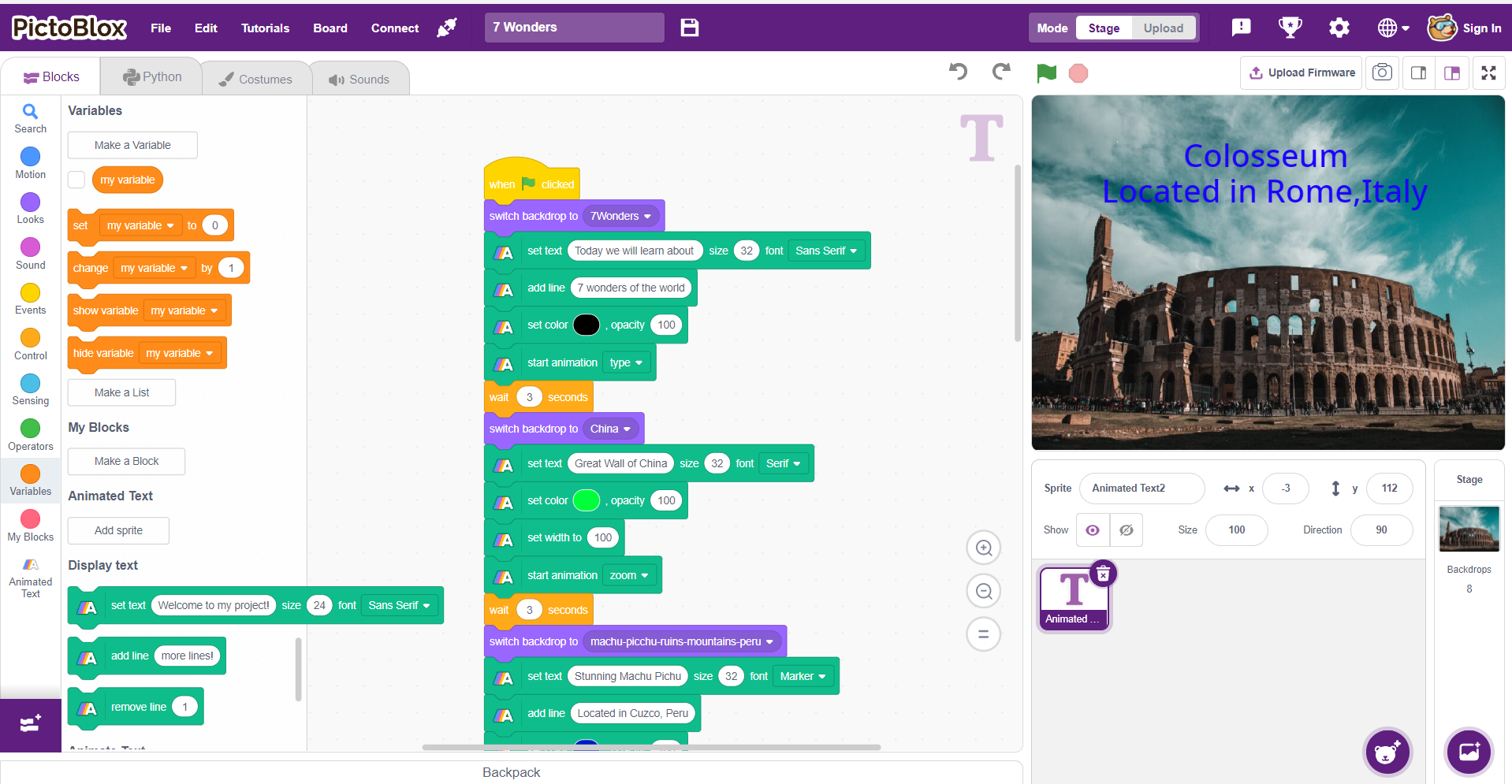
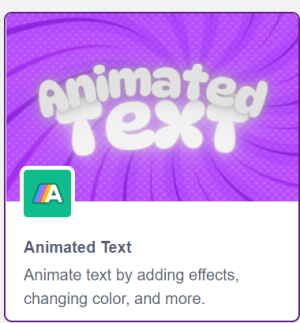
The Animated Text extension lets you bring your project to life with animated text, video narration, and fully customizable fonts. It’s an enabler for creating visually engaging content—perfect for lessons, stories, or pitches where key messages need to stand out and captivate users.

Accessing Text Animation In Block Coding
Following in the process to add Text Animation Extension to the PictoBlox Project
- Open PictoBlox and create a new file.
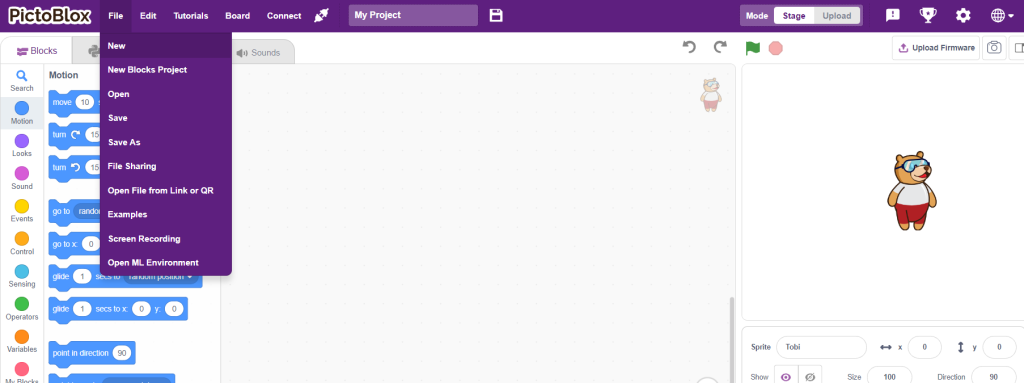
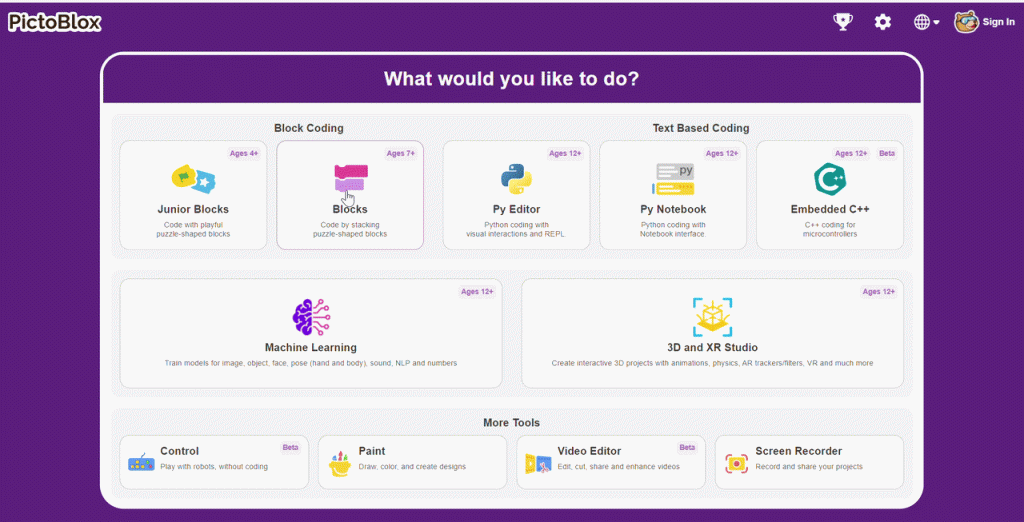
- Select the coding environment as Blocks.
- Next, select the “Add Extension” button and add the Animated Text Extension
- The animated text Blocks can all be accessed here.
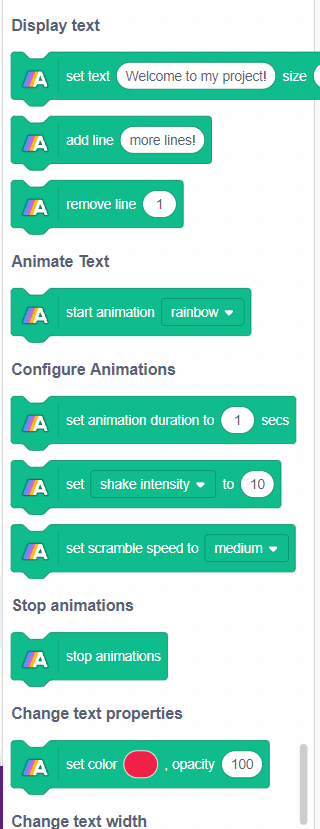
PictoBlox Blocks
Display Text Section
set text () size () font () block allows you to adjust the text, change the size of the text as well as the font style

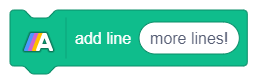
The add line () block allows the user to add a new line with the option to include text.
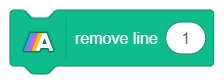
Eliminate unnecessary lines using the remove line () block.
Animate Text Section
With start animation() block we can add multiple animations on the text 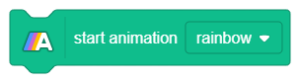
Configure Animations
With set animation duration to() secs block we can configure the time for the text animation. 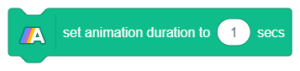
Based on the type of animation you have selected for the text, you can customize the speed and intensity with set () to () block.
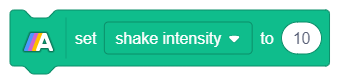
For the scramble animation we can configure the speed for the animation with set scramble speed to () block 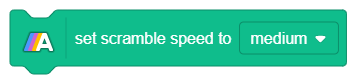
Stop Animation
All the animation can be stopped at once using stop animations block. 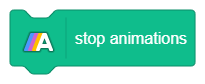
Change text properties
with set color () opacity () block, the color and opacity of the text can be configured 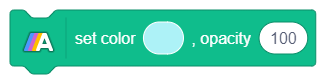
Change text width
Width of the text can be altered using set width to () block. 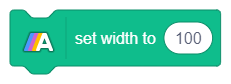
All articles loaded
No more articles to load