


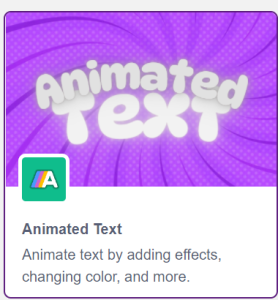
- In the Blocks environment, select add extension and select Animated Text Extension.
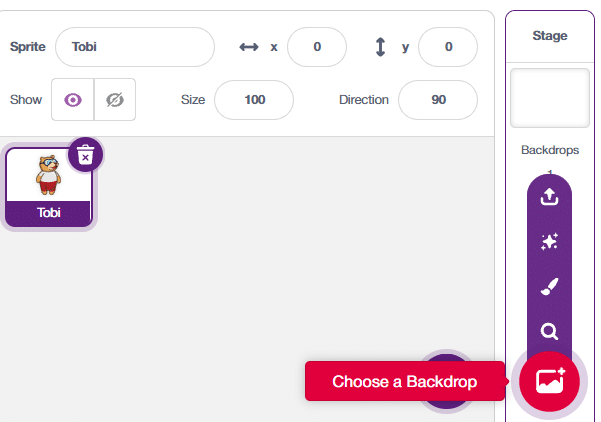
- First, we’ll incorporate backdrops. These are essentially our background images. You will find the option in the bottom right corner of the screen. We have four options for selecting a backdrop: uploading one from the system, opting for a surprise backdrop, creating a new one using the paint feature, or choosing an existing backdrop from the library.
 For this example, we will be using an image of Colosseum as the backdrop. This image will be downloaded from the internet.
- Next, we will click on the backdrop and to the Backdrops Tab. This tab allows users to customize the costumes of Backdrops that have been added to the stage. Here we will set the other six wonders of the worlds as six other costumes for the Backdrop.
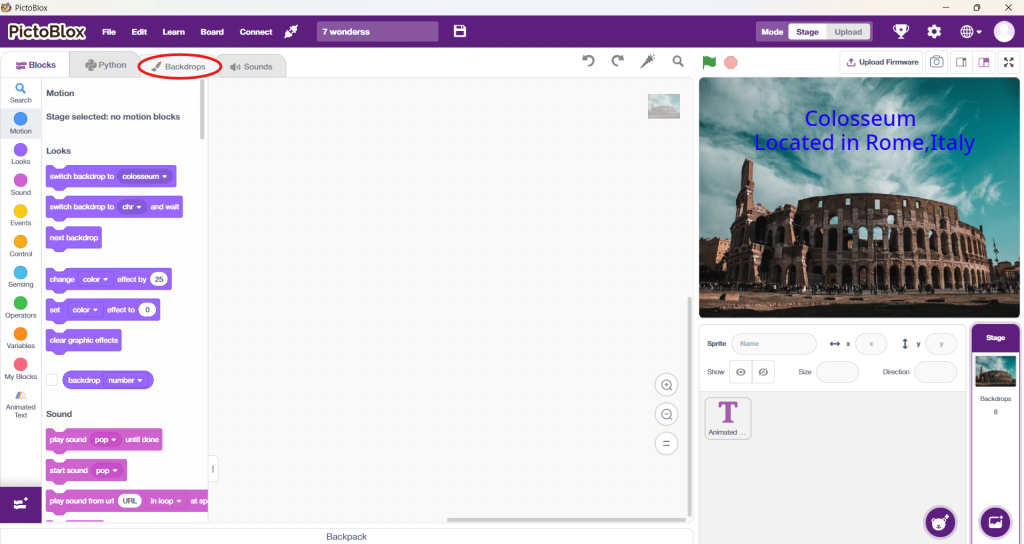
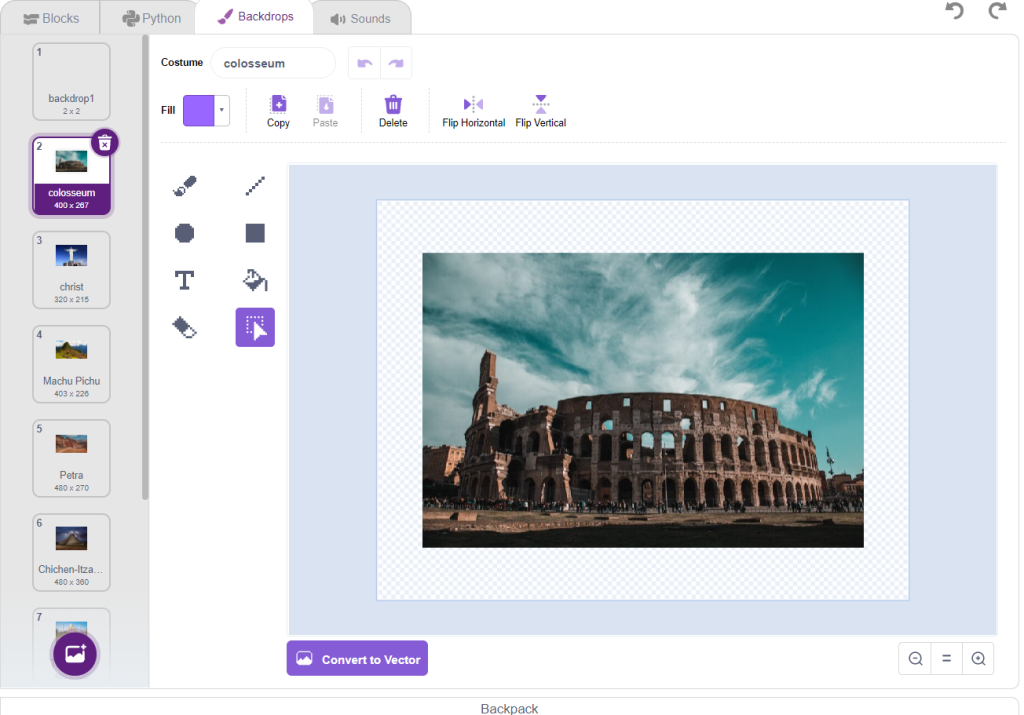
- After adding all the Backdrops, we will add a Animated Text Sprite.
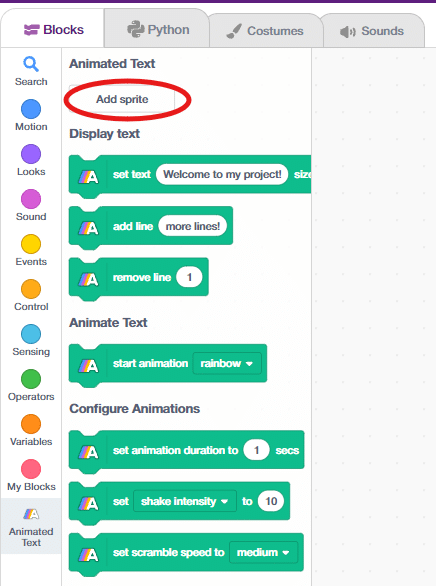
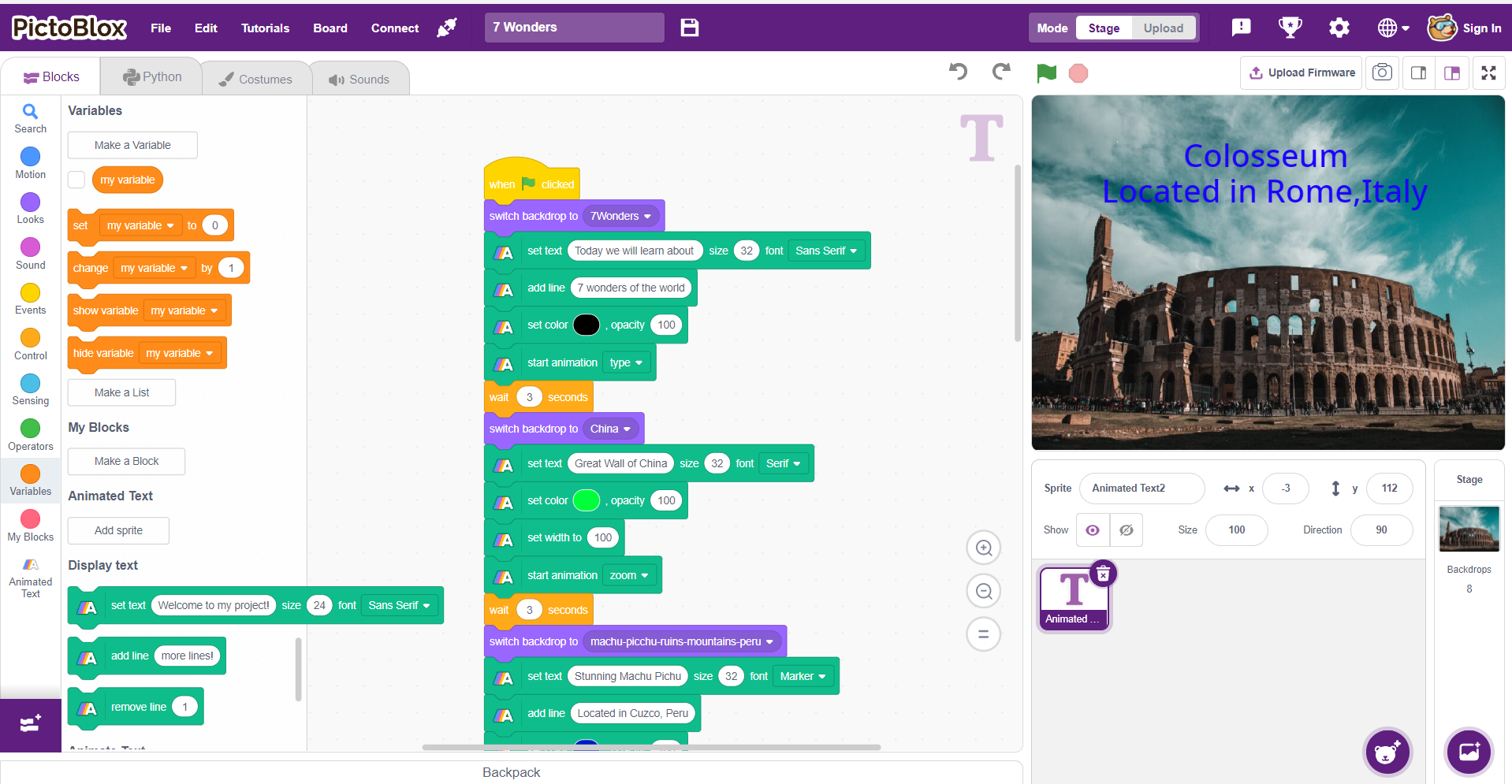
- Now that Backdrops and Sprites are added, it’s time to write the script using Blocks and Extension Blocks.
Script
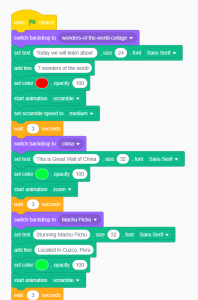
Select the Animated Text Sprite and then you can complete the script by customizing it in a way as shown above. You can also add custom code to your Backdrop.