Quarky Intellio – Documentation

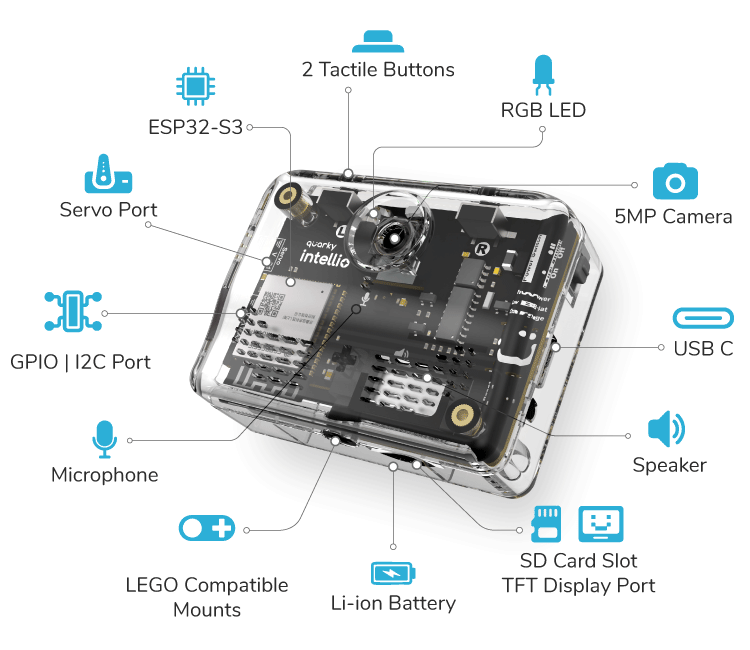
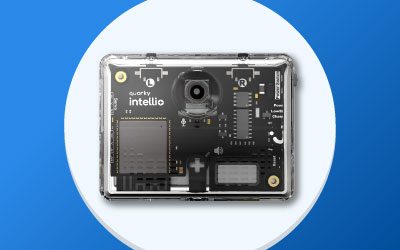
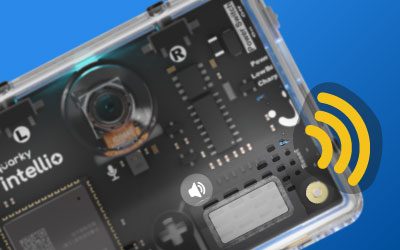
Quarky Intellio is a powerful and compact AI, AR, and robotics module designed for hands-on learning and smart project building. It is powered by a 3.7V 1000mAh Li-ion battery, delivering up to 3.5 hours of operation, and features an ESP32-S3 processor with 16MB flash memory for handling AI, vision, and real-time processing tasks.

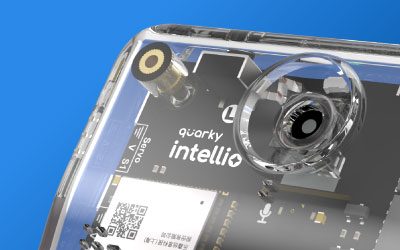
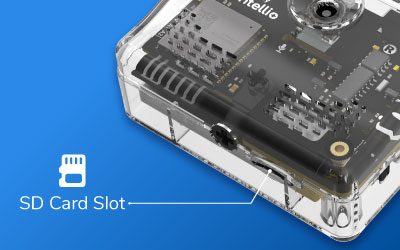
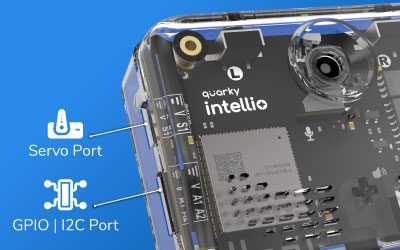
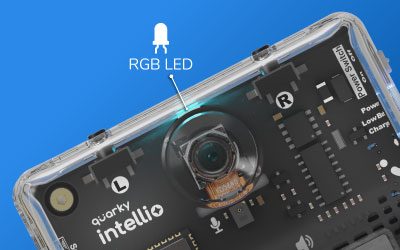
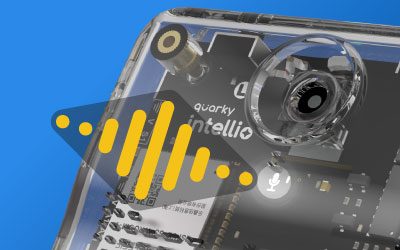
The board includes a built-in OV5640 auto-focus camera (72° FOV), an omnidirectional MEMS microphone, a 1W Hi-Res speaker, and a programmable RGB LED for rich audio-visual feedback. For interaction and control, Intellio provides two programmable tactile switches, a servo motor port (3.7–5V, 1A), GPIO and I2C expansion pins, and a MicroSD slot supporting up to 32GB of storage.

With 2.4 GHz Wi-Fi and Bluetooth 5.0 (BLE) connectivity, Quarky Intellio enables wireless streaming, IoT applications, and seamless pairing with PictoBlox. Its LEGO-compatible mechanical design, including axle connectors and mounting holes, makes it easy to integrate into robotics builds, smart devices, and interactive AI projects.

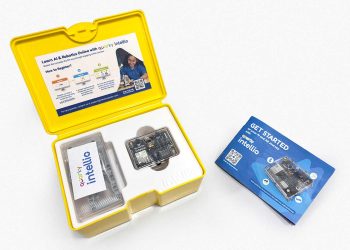
Getting Started with Quarky Intellio

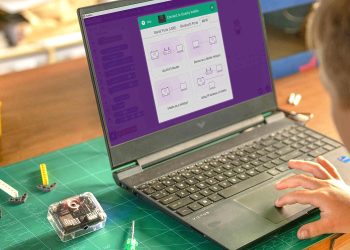
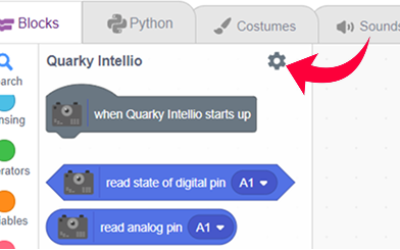
Learn how to program Quarky Intellio using Block coding or Python coding tutorials.

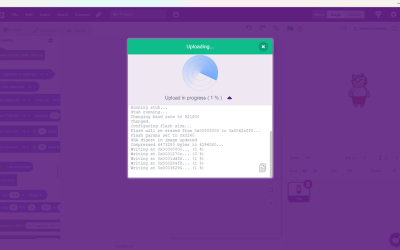
An introductory guide to help you get started with Quarky Intellio, the AI-powered learning module. This guide walks you through the essential steps to set up Intellio and begin exploring its capabilities in AI, vision, sound, and robotics projects.
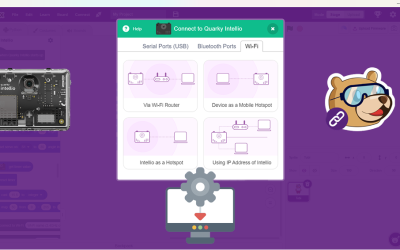
Learn how to connect Quarky Intellio with PictoBlox using different connection methods. This guide helps you set up Intellio for real-time interaction, camera streaming, and AI projects, so you can start coding and building intelligent robotics applications with confidence.